
Etsy Product Image Generator
Create a complete Etsy listing image set
GreenOnion's Etsy product image generator turns one phone photo of your item into a planned Etsy listing set: detail, scale, in-use, lifestyle, and on-model photos of that exact item. It is built for handmade, vintage, and small-batch sellers who don't have a studio, and you review every image before you publish.
Example
One product photo, a full Etsy listing set
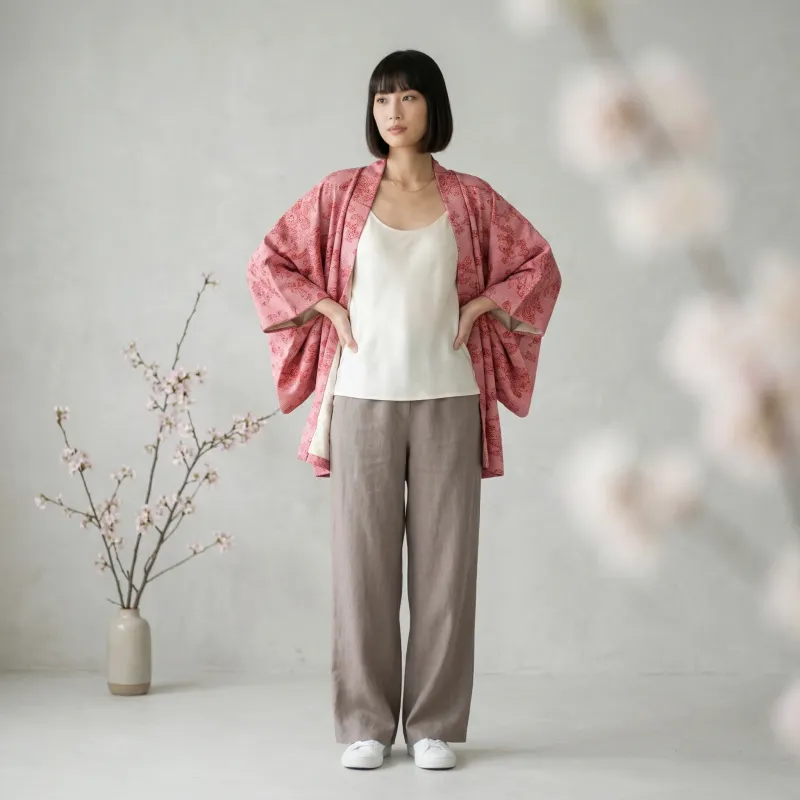
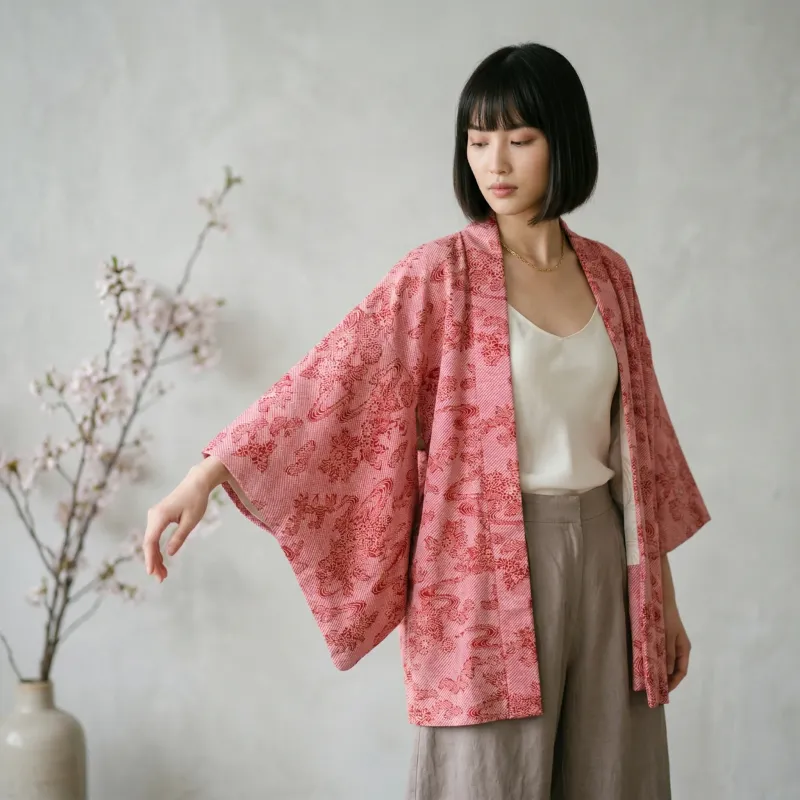
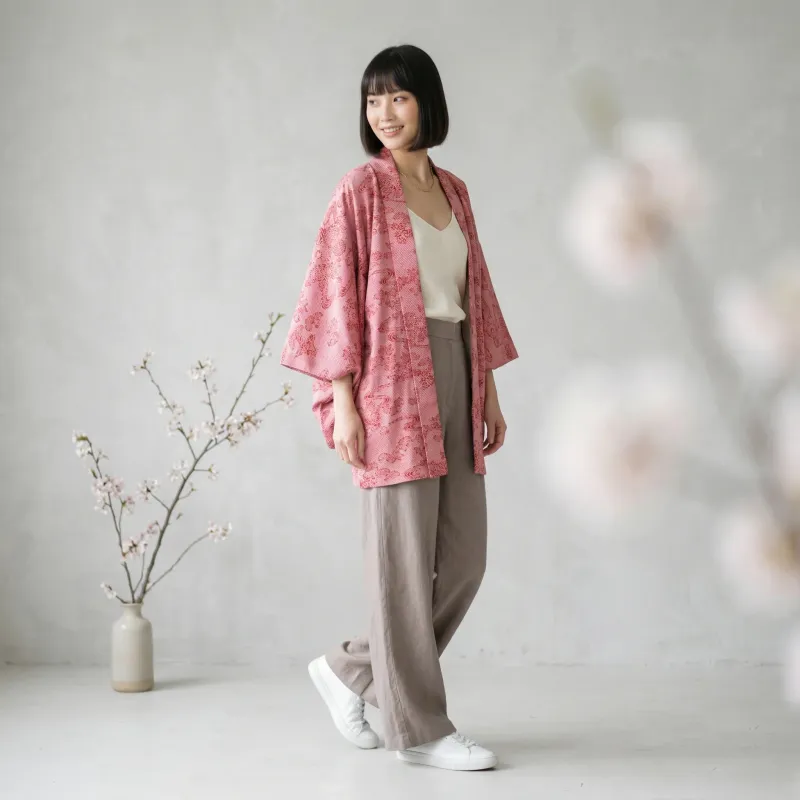
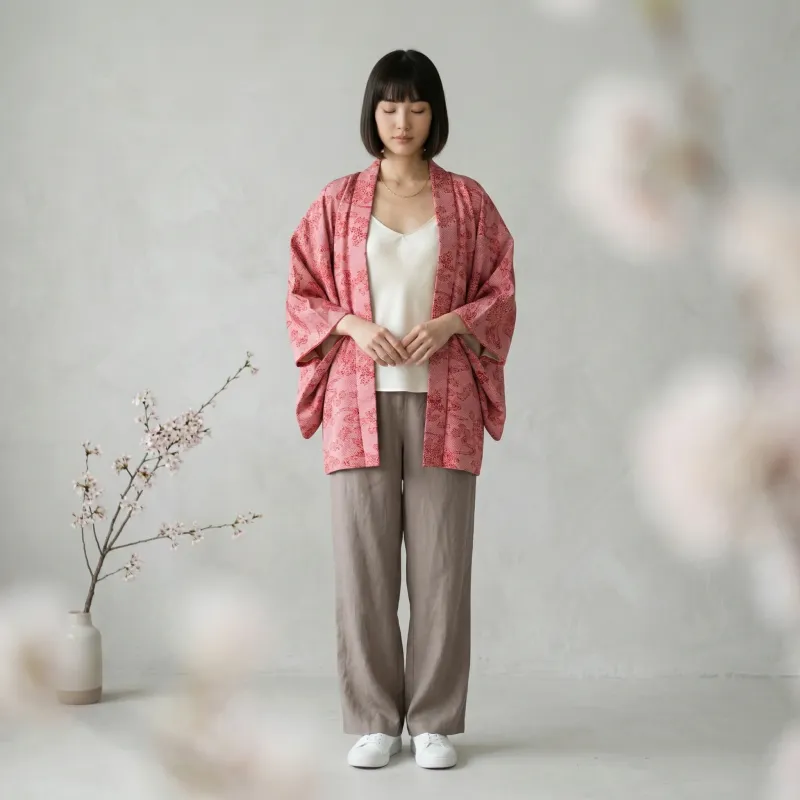
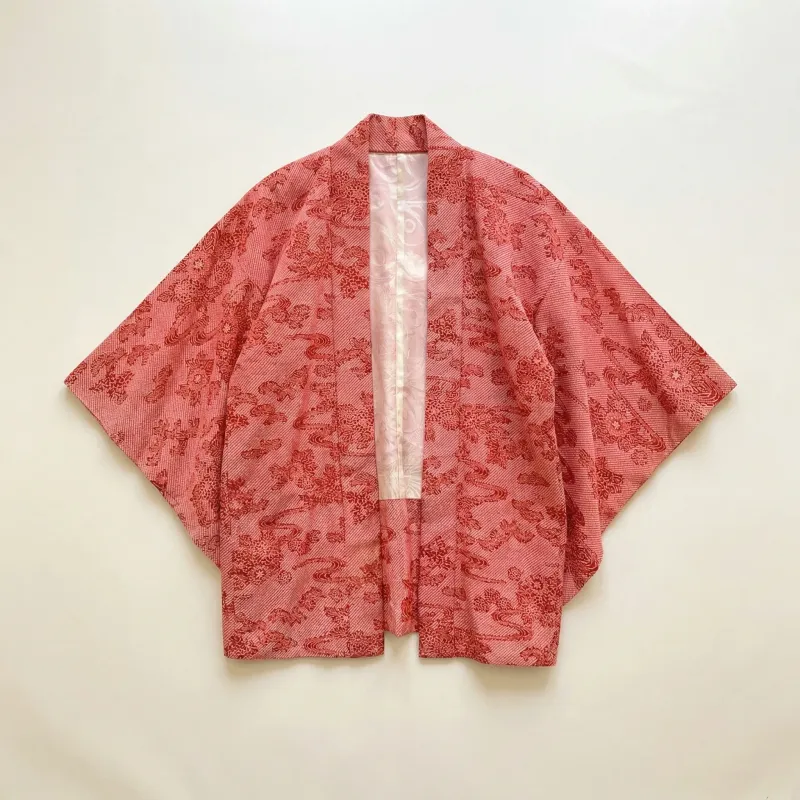
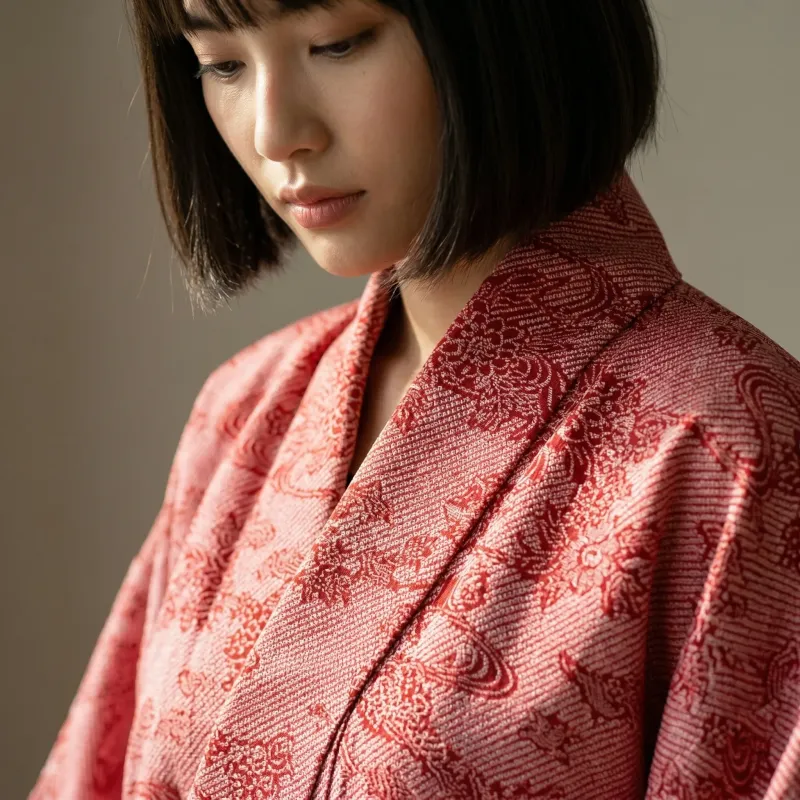
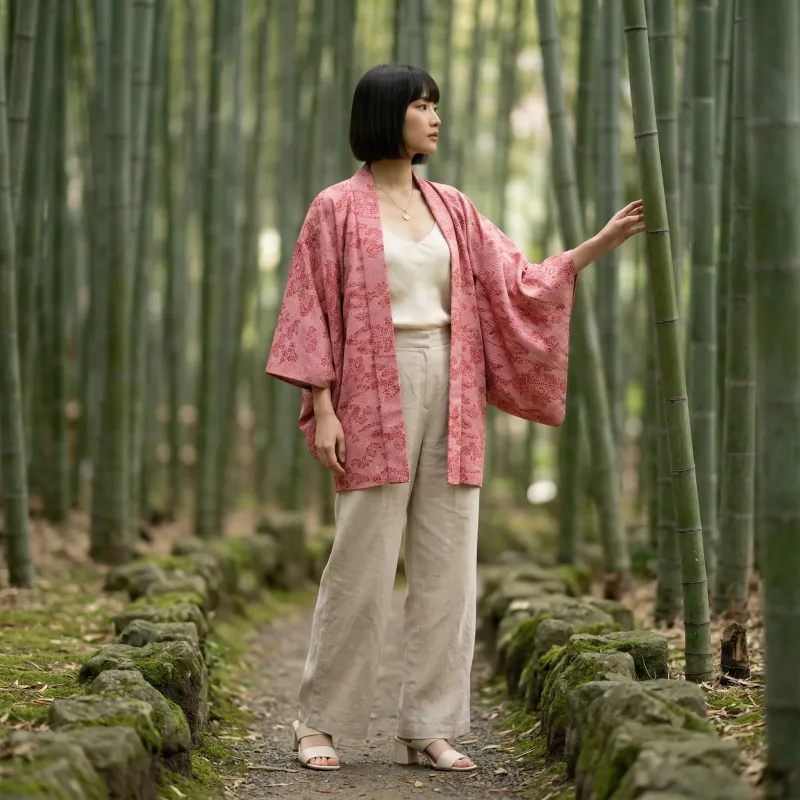
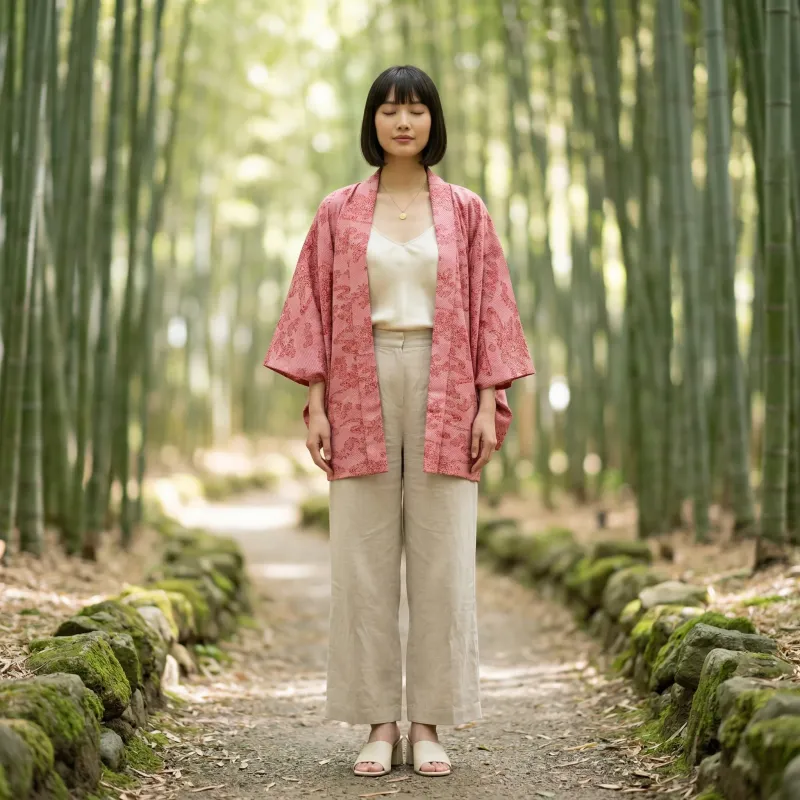
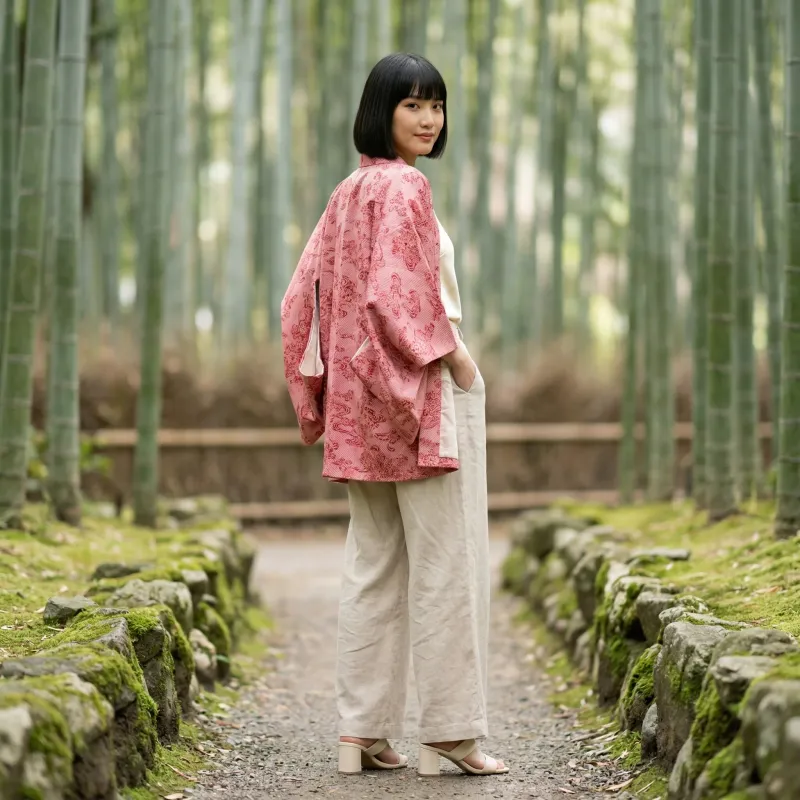
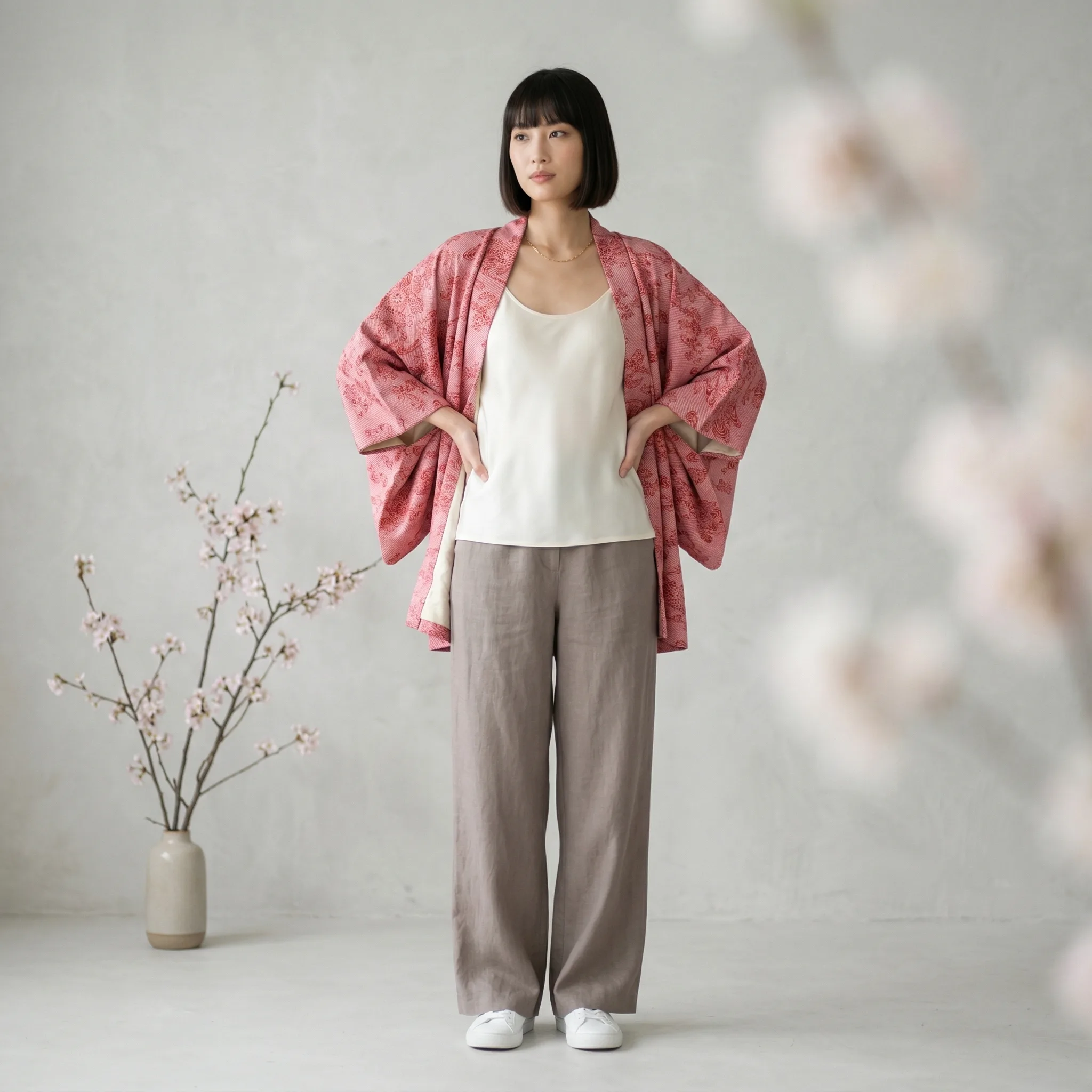
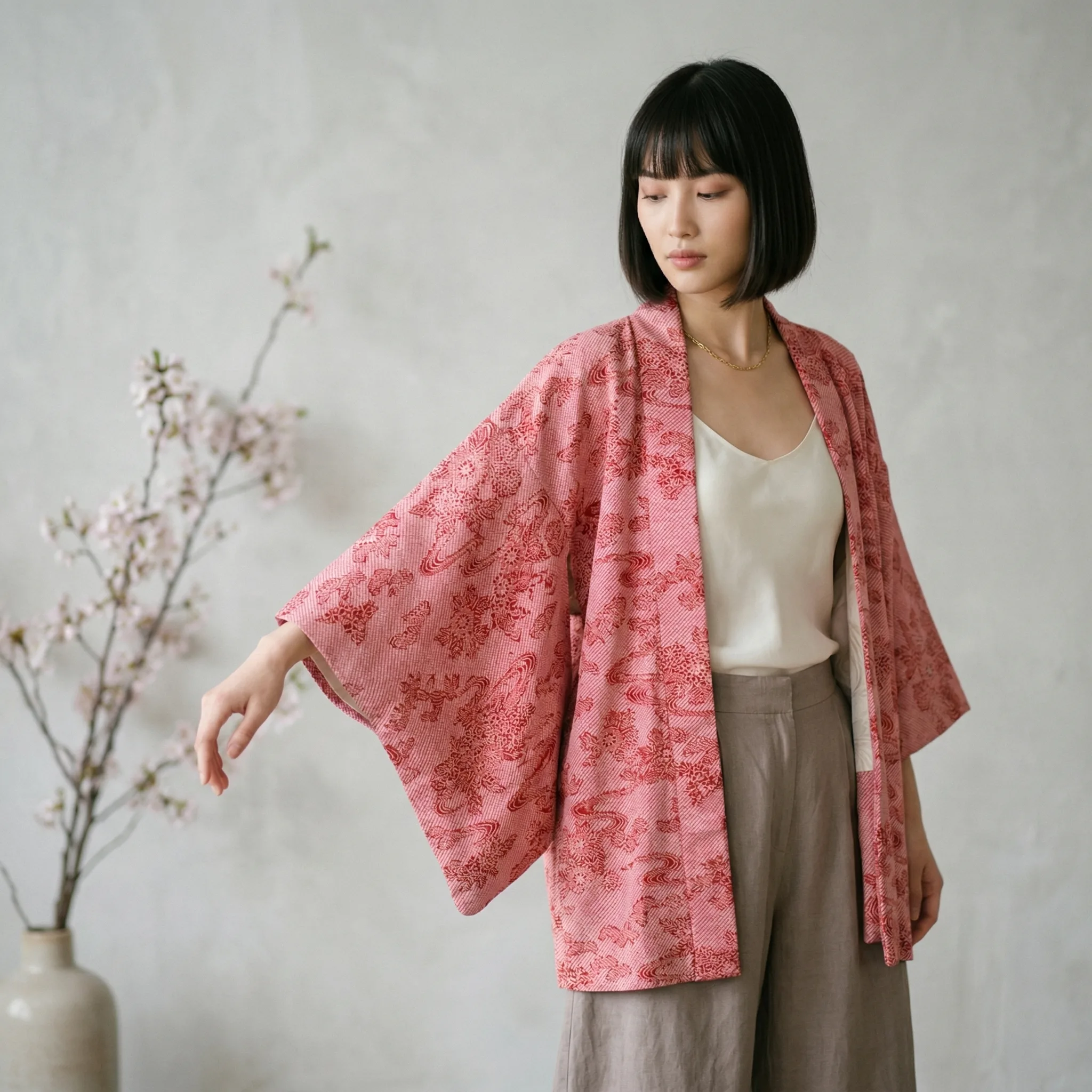
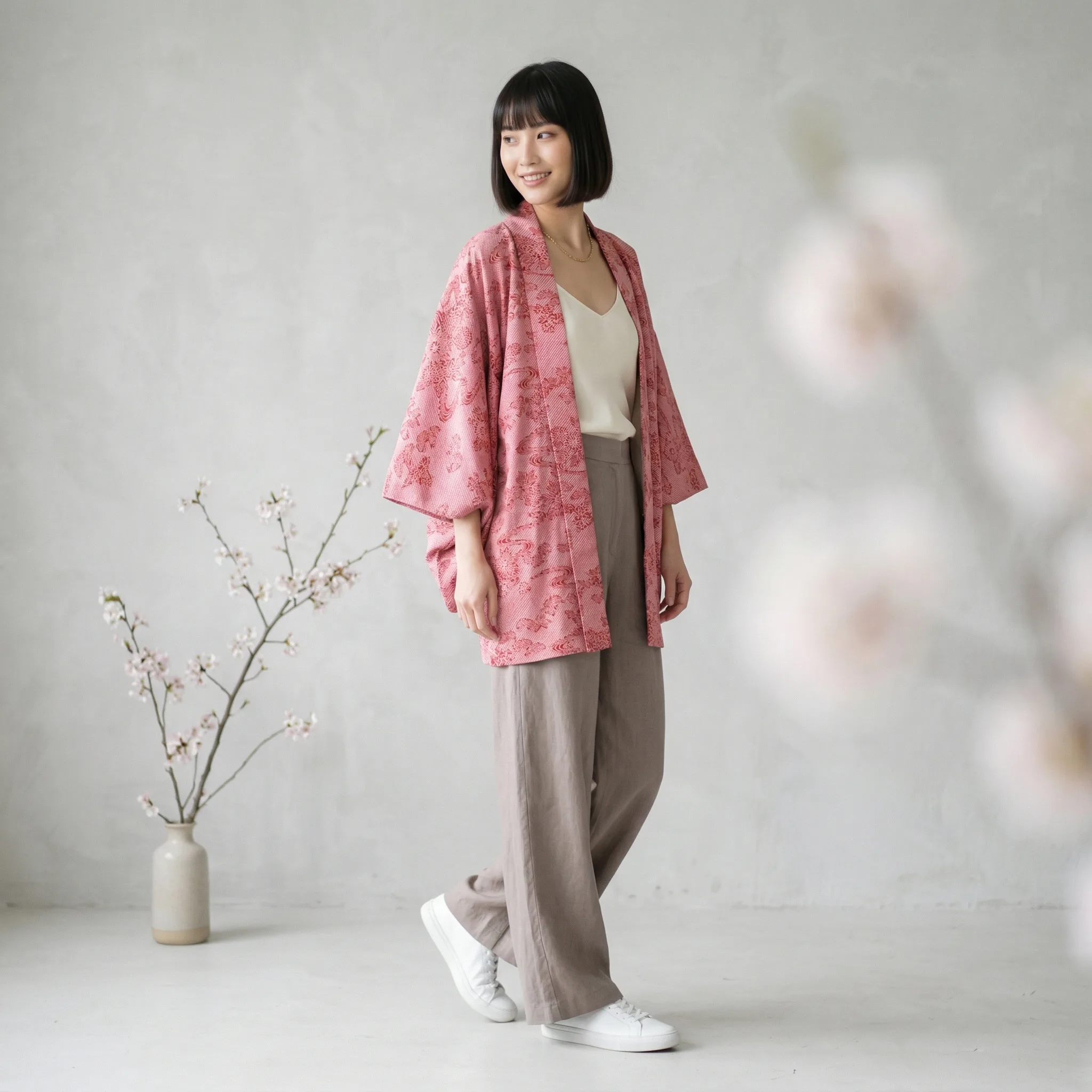
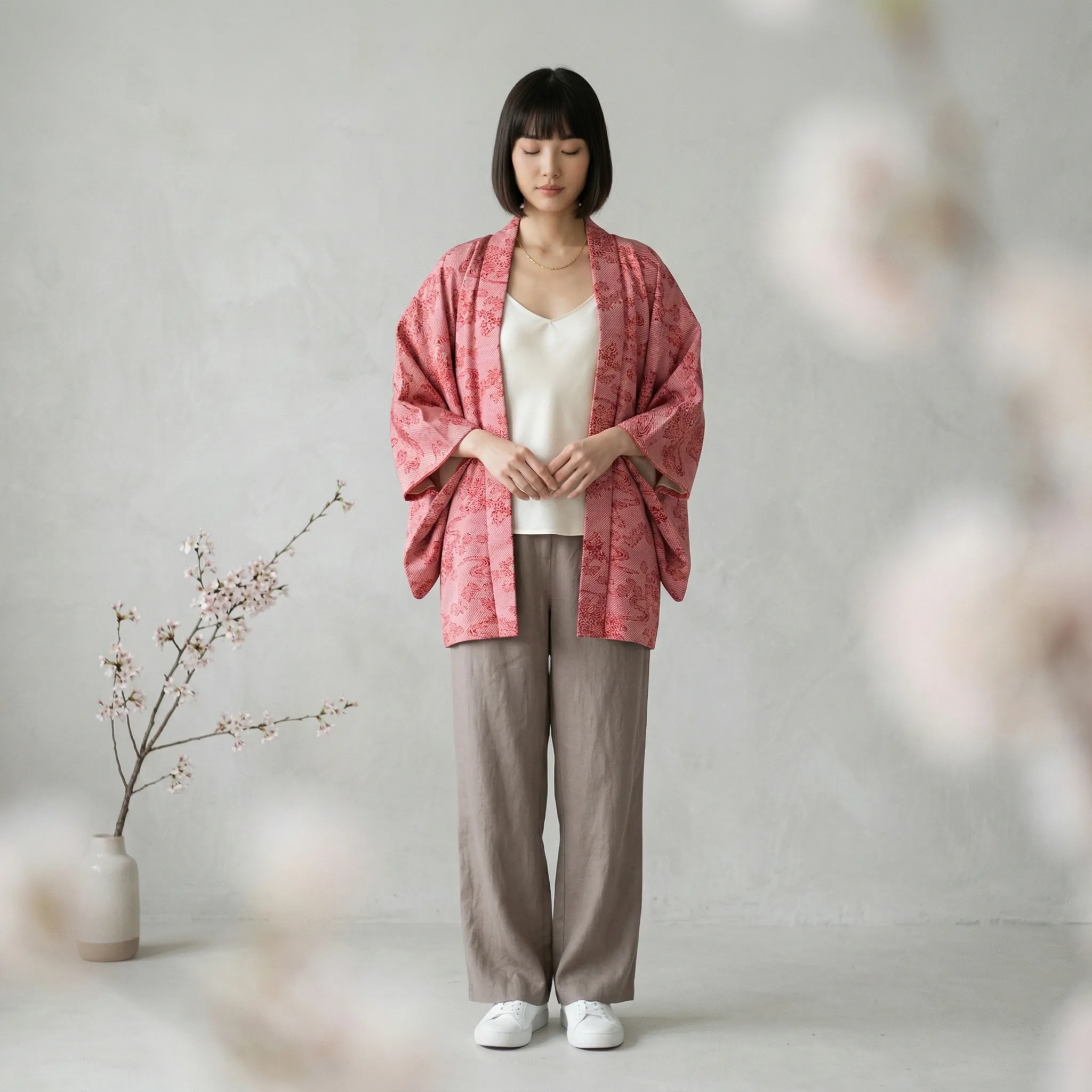
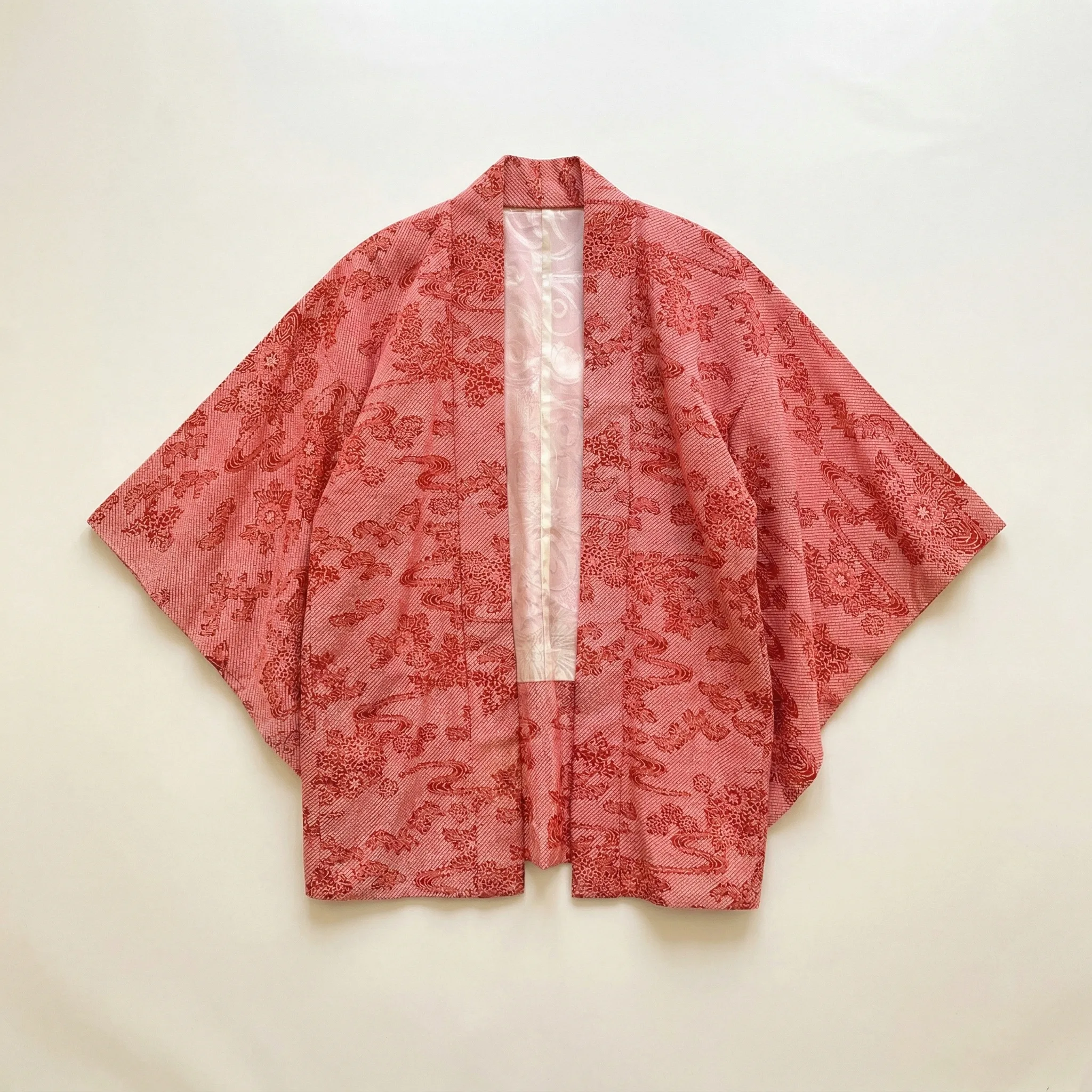
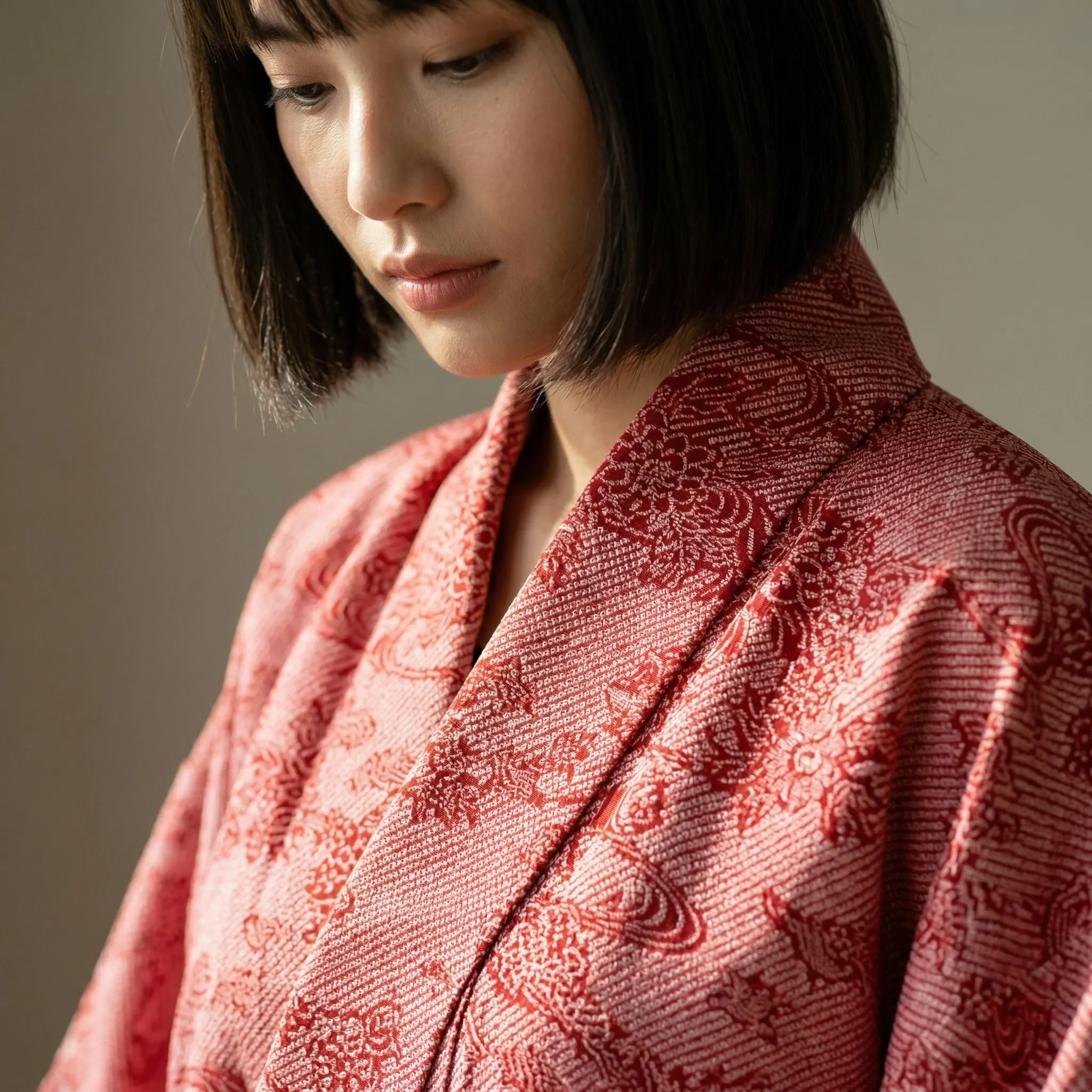
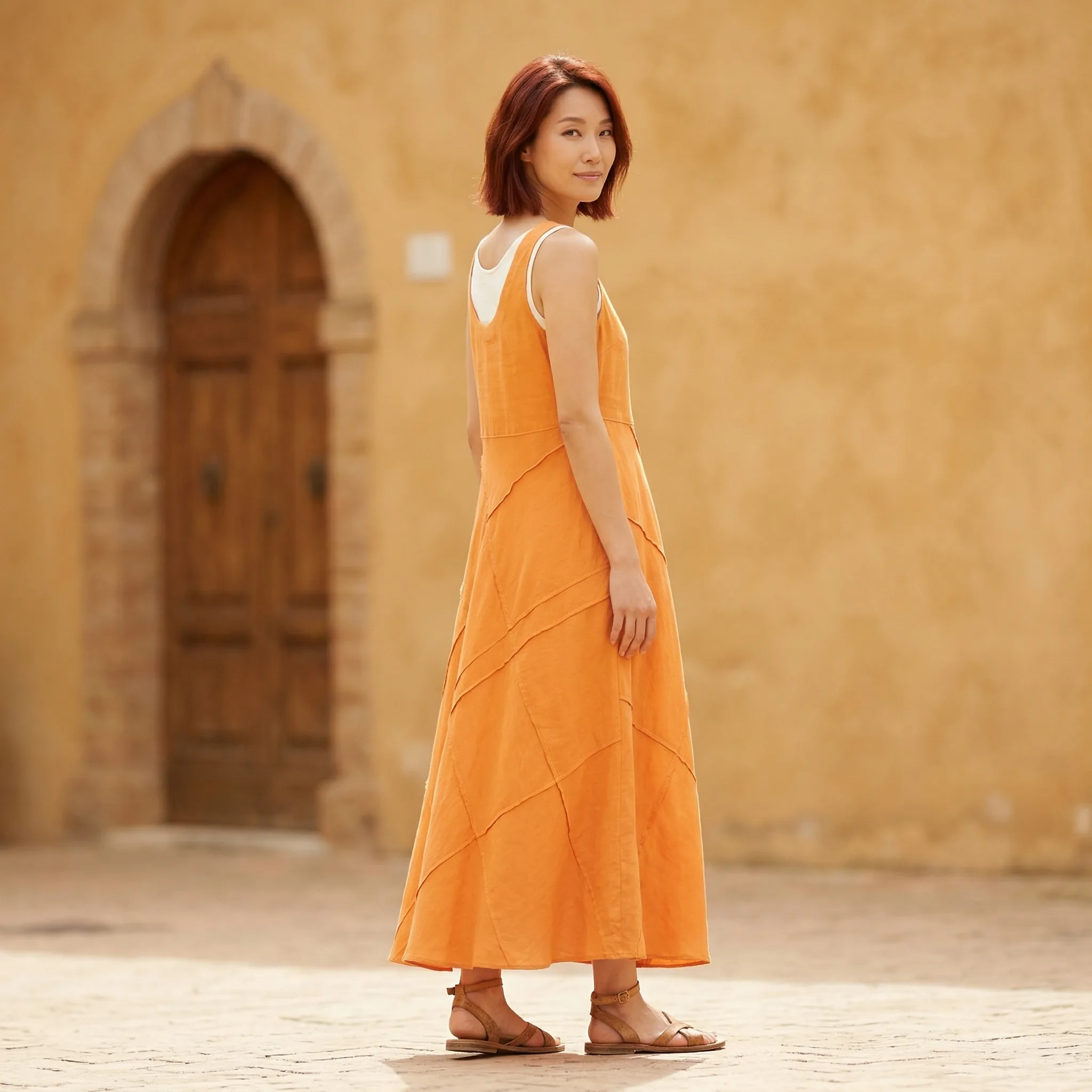
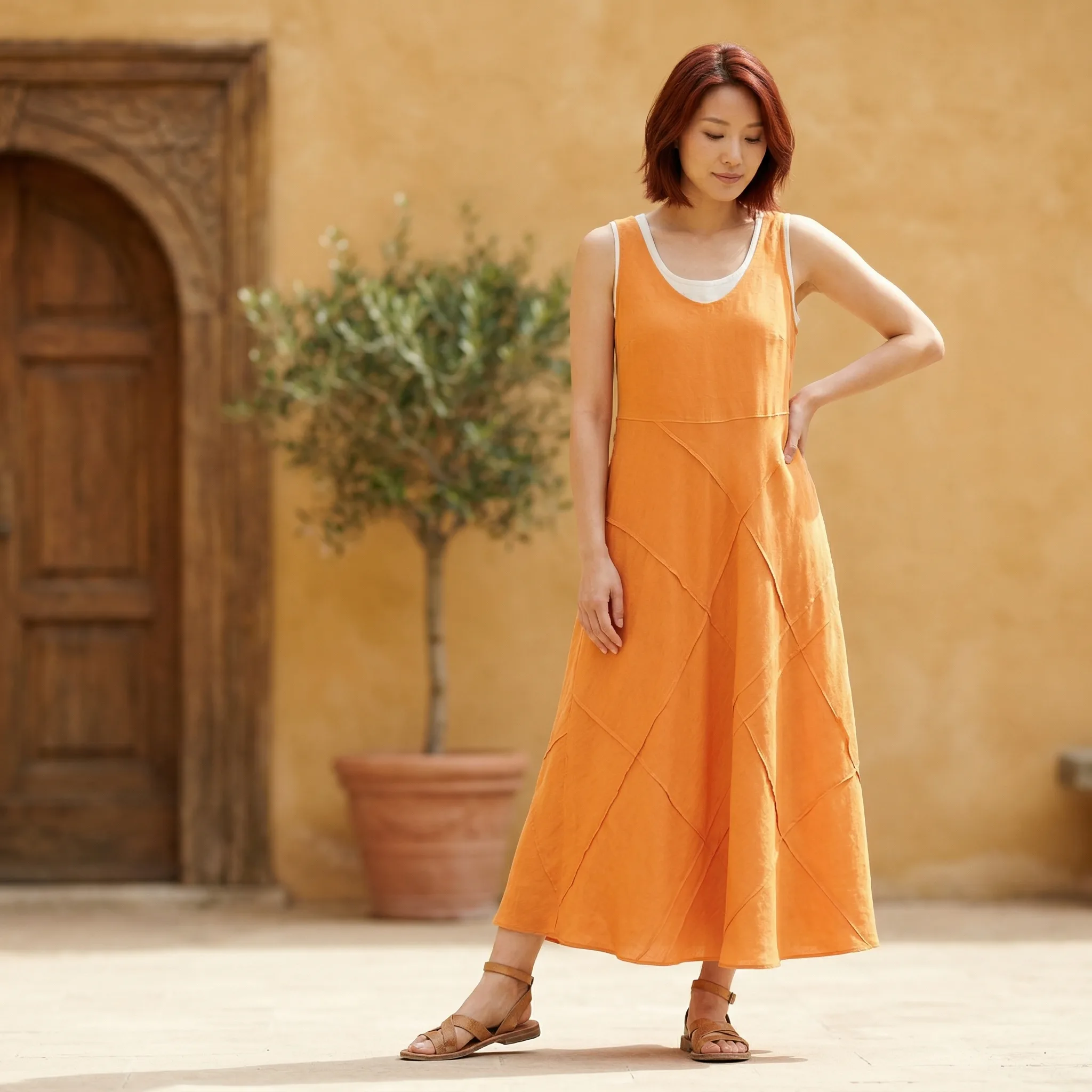
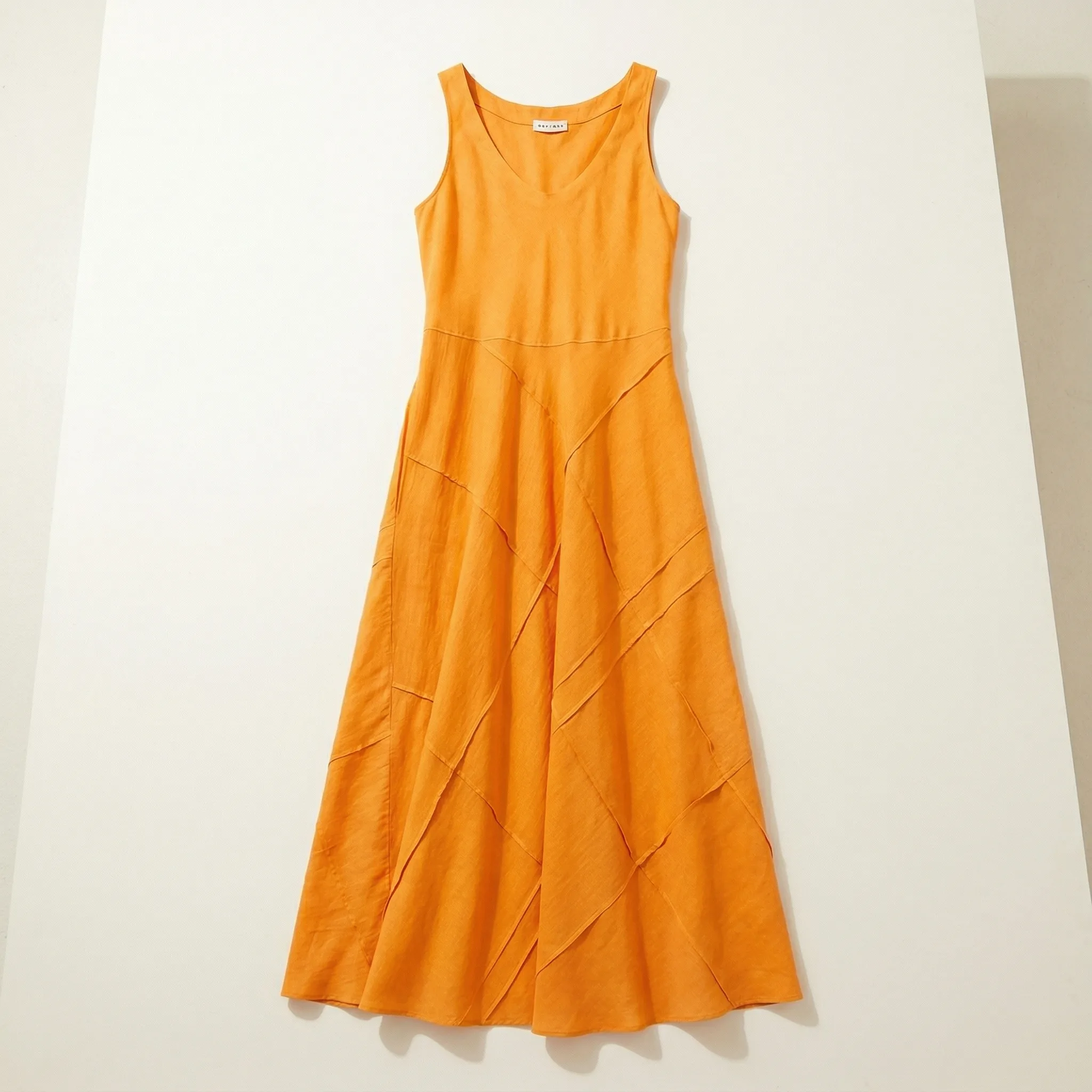
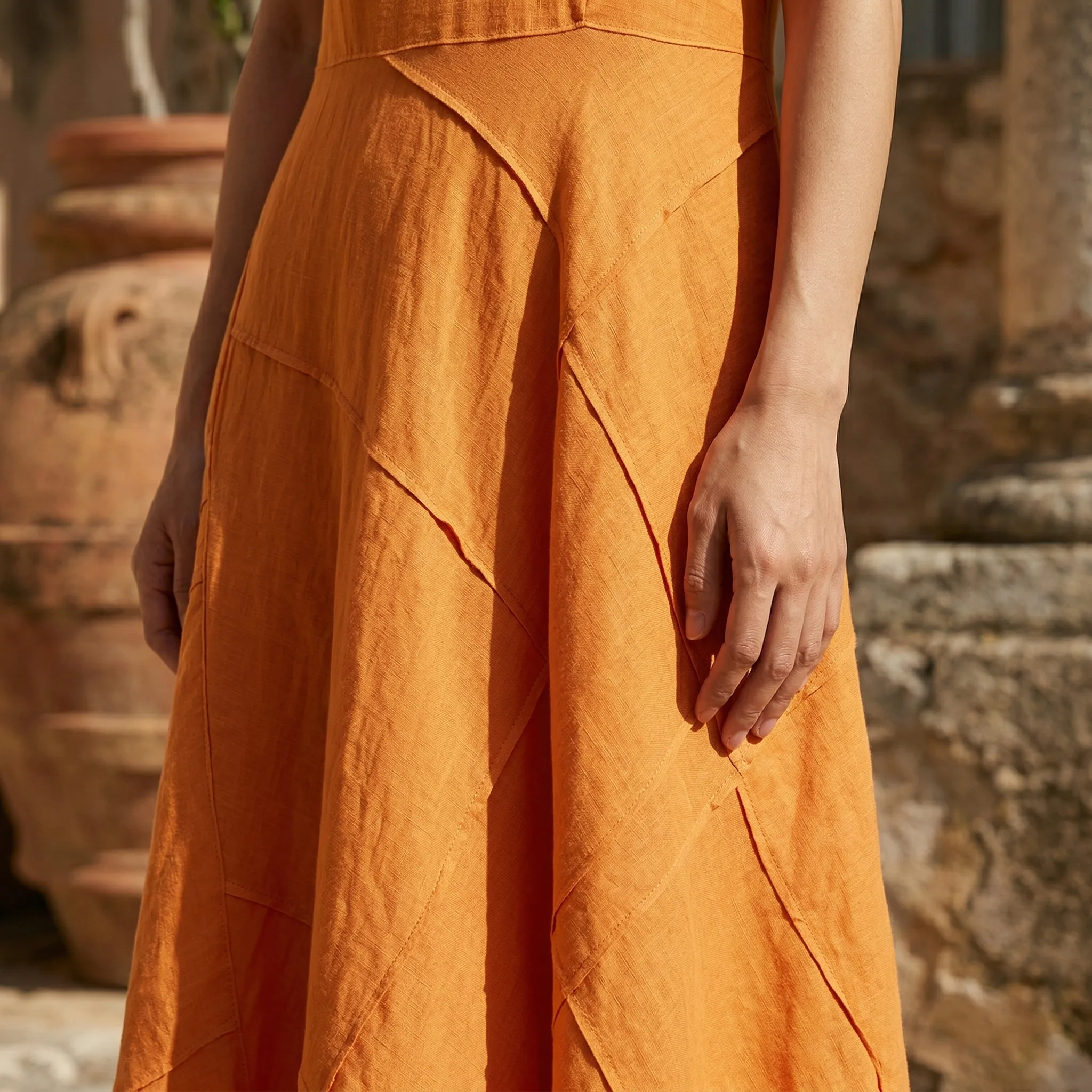
See how one linen haori photo becomes model, detail, flat lay, and lifestyle images for an Etsy listing.
Outputs
Build trust across the full Etsy listing gallery
This is the nine-image plan GreenOnion suggests for most handmade products. For wearables such as jewelry, bags, and hats, it swaps three scenes for two on-model detail shots and a half-body shot. Clothing gets its own plan with a model, flat lay, garment detail, indoor, and outdoor images. You can change any image's type or skip it.
1. Studio hero
The item on a studio backdrop: the most striking image, built to stop the scroll.
2. Studio detail
An extreme close-up of texture, material, or craftsmanship.
3. Studio styled
The item on a studio set with a few editorial props.
4. Styled scene
The item living naturally in a real indoor or outdoor scene.
5. Styled scene or hands in use
Hands holding or using the item for scale and function, or a second styled scene.
6. Lifestyle
A person with the item in a real, candid moment.
7. Second lifestyle
A different moment, so buyers can picture owning it.
8. Feature callout
The item in a real setting with two or three key features as text.
9. Closing image
The most aspirational image in the set, to end the gallery.
Features
Etsy listing photos shaped around the product
This Etsy listing image generator changes the photo plan for jewelry, ceramics, apparel, home goods, prints, and personalized products.
Build the Etsy listing photo plan
Choose the strongest image mix for the product, materials, and shop category.
Keep the item the same in every image
Every image starts from your product photo, so the item's print, color, and shape carry across the set.
Adapt to each Etsy category
Jewelry, ceramics, apparel, home goods, and print products get different photo types.
Generate scenes and simple copy
GreenOnion writes each image's prompt and text. Keep its version, or choose Use mine to keep your own words.
Edit one listing image at a time
Change one image's type or text and make a new version of it (1 credit) without redoing the set.
Write image text in 16 languages
Pick the language for the text on your images, plus an optional font and color.
Shop styles
Choose a visual style that fits the product
Describe the look you want in each image's visual direction, or leave it blank and GreenOnion picks one. Directions that suit common Etsy products:
Natural studio
Soft daylight, simple surfaces, and clear product focus.
Jewelry, stationery, ceramics, small home goods
Warm home
Comfortable interiors, natural texture, and everyday use.
Candles, textiles, knitwear, home decor
Botanical
Plants, paper, glass, herbs, and soft natural light.
Soap, tea, oils, candles, wellness products
Rich artisan
Layered fabric, warmer color, and detailed close-ups.
Jewelry, bags, accessories, handmade textiles
Modern minimal
Clean framing, matte surfaces, and restrained styling.
Prints, stationery, contemporary jewelry, POD products
Gift-ready
Packaging, ribbons, cards, and presentation-led scenes.
Personalized gifts, wedding products, seasonal listings
How it works
How to generate a complete Etsy listing image set
These are the steps in GreenOnion's Etsy Listing Images tool: upload, review the image plan and prompts, choose the format, generate, and review.
Upload your product photo
Add one photo, or up to five for extra angles or details. Open Product details to describe the item, and set the language, font, and color for any text on the images. If GreenOnion detects clothing, you pick or upload a model first.
Review the image plan and prompts
GreenOnion plans nine images, such as a studio hero, detail, styled scene, hands in use, lifestyle, and feature callout, and writes a prompt for each. Change an image's type, edit its text, or choose Use mine to keep your own description. Writing the prompts uses 1 credit.
Choose the format and images
Pick a format (1:1, 4:3, 3:4, 4:5, or 2:3) and which of the planned images to create. The button shows how many images and credits before anything runs.
Generate the images
Each image uses 1 credit. A full set of nine costs 10 credits in one pass, including the prompts.
Redo one image, then review
Make a new version of any single image (1 credit) without redoing the set, and check every image against the real item before you upload it to Etsy.
Before you upload
Start with one honest phone photo
The generator works from your photo, so a clear photo of the real item gives the best set. Keep that photo unedited: Etsy asks for one.
Phone photo checklist
- Daylight from a window, no flash
- The whole item in frame, nothing covering it
- A plain surface so the item's edges are clear
- Extra photos (up to five in total) for the back, a detail, or the inside
- A short description of size and materials in Product details
Etsy's photo rules for AI images
Etsy's Listing Image Requirements, updated October 22, 2026, ask most listings for at least one unedited photo of the actual item against a real background. Other images can be AI-edited if they keep the item's true color, texture, condition, and scale. Etsy's Creativity Standards require disclosure when the item itself is made with AI. More in our Etsy image requirements guide.
Our test on one Etsy product
We ran one handmade Japanese knot bag through GreenOnion, Photoroom, Canva, and Google Flow and compared the results by image type. The GreenOnion run used 10 credits for nine images. It is one product, tested by GreenOnion, so treat it as an example rather than a benchmark. Watch the test on YouTube.
Categories
Etsy listing photos for every product category
Generate Etsy product images for jewelry, ceramics, textiles, candles, apparel, prints, stationery, and other handmade or small-batch products.
Jewelry and accessories
Create Etsy jewelry photos with close-ups, hand shots, scale, and gifting context.
Main image, detail, hand shot, scale, packaging
Ceramics and handmade home goods
Show glaze, texture, scale, in-use moments, and styled home scenes.
Main image, craftsmanship, in-use, lifestyle, dimensions
Textiles and fiber crafts
Highlight weave, stitching, drape, dimensions, and home styling.
Main image, texture, lifestyle, dimensions, shop story
Soap, candles, and botanical products
Combine clean product shots, ingredients, texture, gifting, and lifestyle images.
Main image, ingredient detail, lifestyle, packaging, gift image
Clothing and wearable products
Generate Etsy apparel photos with model, flat lay, detail, and lifestyle images.
Model hero, half-body, flat lay, detail, lifestyle
Prints, stationery, and POD
Show artwork, scale, framing, desk scenes, packaging, and gift-ready presentation.
Main image, styled scene, scale, packaging, second lifestyle
Compare your options
Etsy listing images vs other workflows
Choose based on listing completeness, product accuracy, and production speed.
| Option | Best for | Tradeoff |
|---|---|---|
| GreenOnion | A planned Etsy listing set from one phone photo | AI output still needs a check against the real item |
| Photoroom or Canva | A quick new background inside an editor | You plan and build the rest of the listing set yourself |
| Generic AI generator | One-off creative scenes | Weak product consistency and listing structure |
| DIY product photography | Authentic maker-led photos | Slow to repeat across many listings |
| Template apps | Adding text to existing photos | Cannot create new lifestyle or in-use scenes |
| Professional photographer | Premium hero shoots | Higher cost per product |
Pricing
What Etsy listing photos cost
Writing the image prompts uses 1 credit and each image uses 1 credit, so a 9-image Etsy set costs 10 credits in one pass. New accounts start with 20 free credits, enough for two 9-image sets. Free results are watermarked previews; downloading needs a paid plan.
Ideal for sellers and small businesses.
- 9-image Amazon listing sets
- 6 coordinated Amazon A+ Content images
- Etsy & Shopify product image generation
- Fashion model photography
- AI product photography (lifestyle, studio, UGC)
- AI design editor
- Email support
For agencies and growing brands.
- Everything in Creator, plus:
- Faster processing for high-volume work
- Bulk generation for product catalogs
- Better control over brand consistency
- Priority email support
For large organizations with high-volume needs.
- Everything in Professional, plus:
- Custom workflows & integrations (API, internal tools, etc.)
- Advanced team permissions & shared workspaces
- Priority phone & email support
- Dedicated account manager
Use cases
Built for Etsy sellers, makers, and listing specialists
Launch new products, refresh underperforming listings, and create a more consistent visual system across the shop.
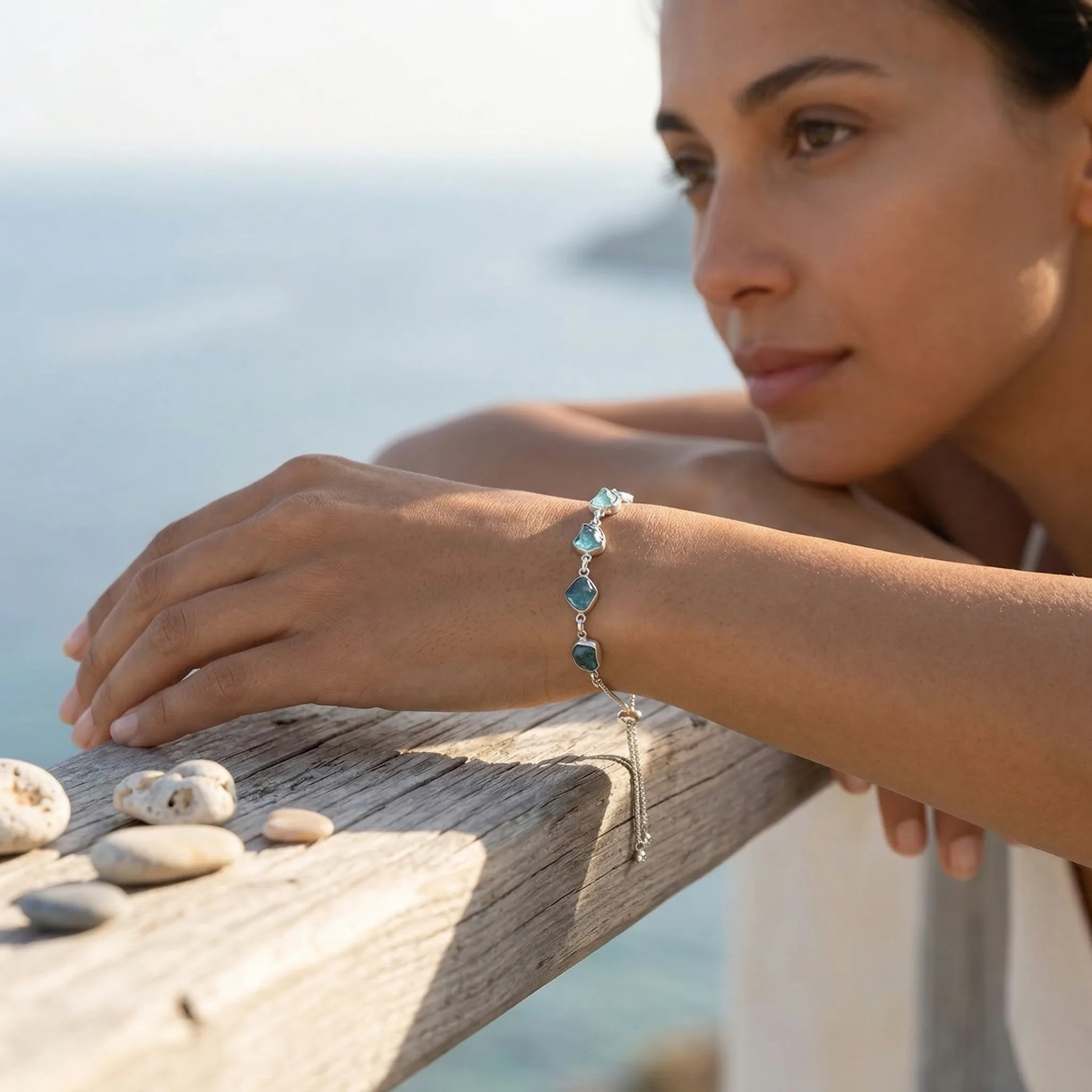
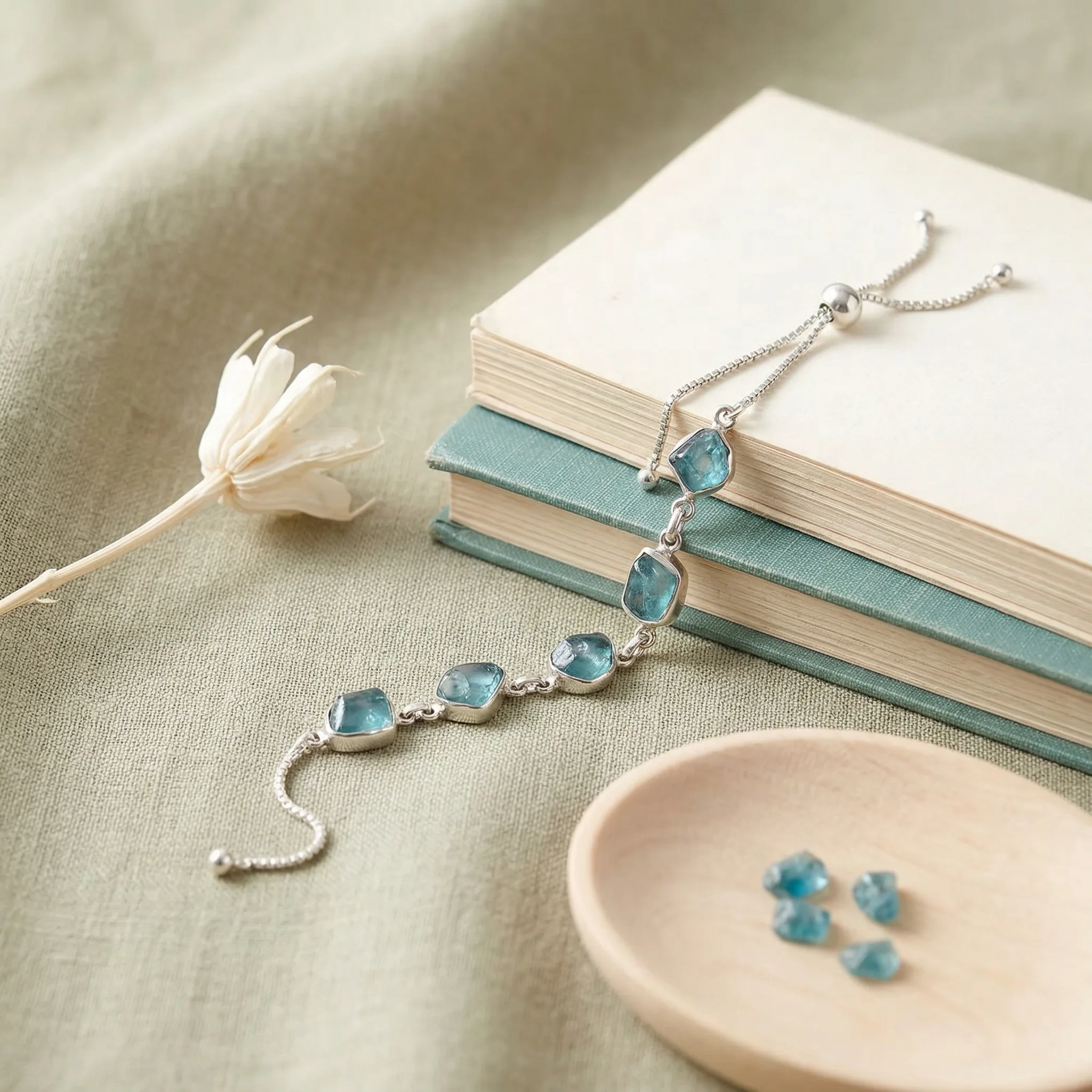
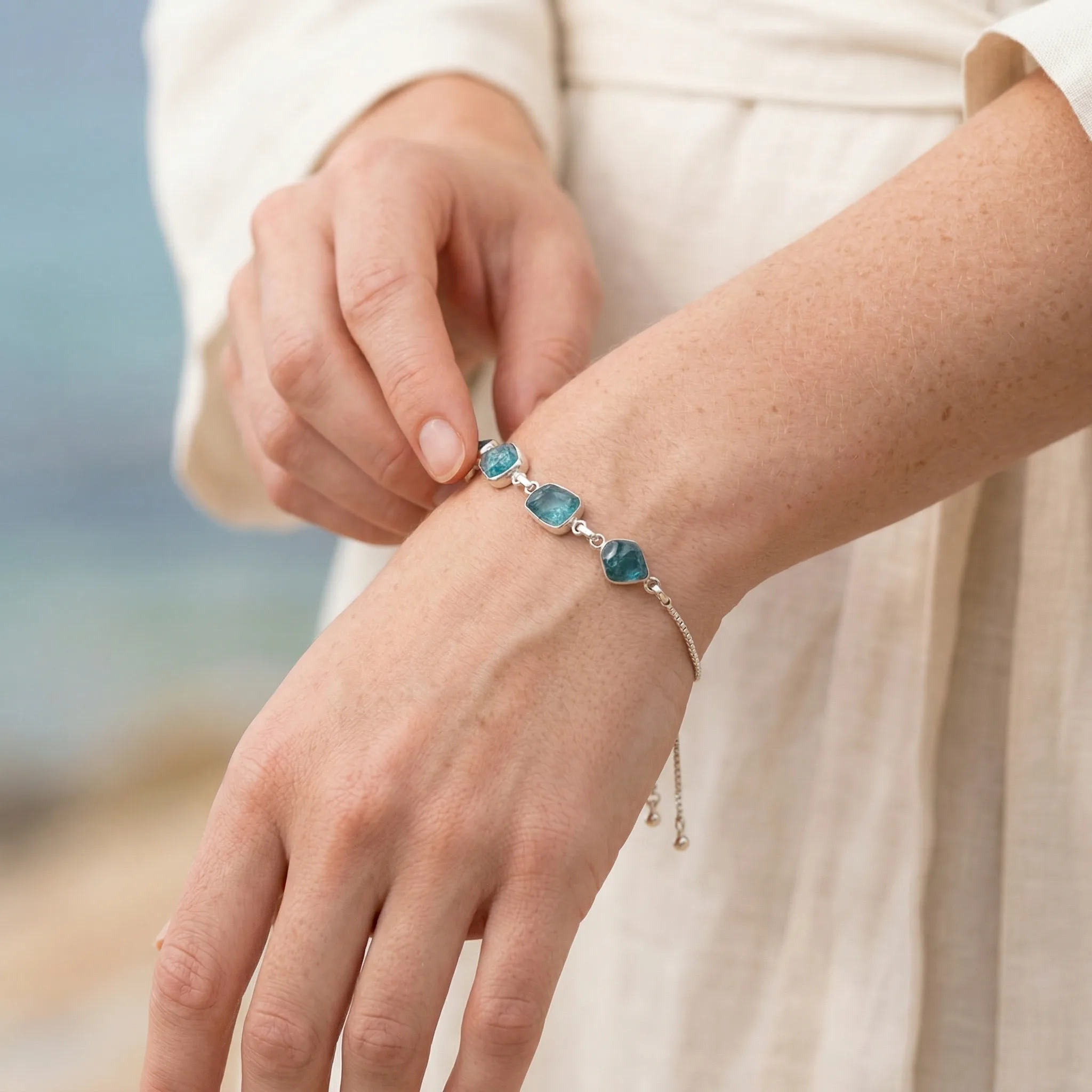
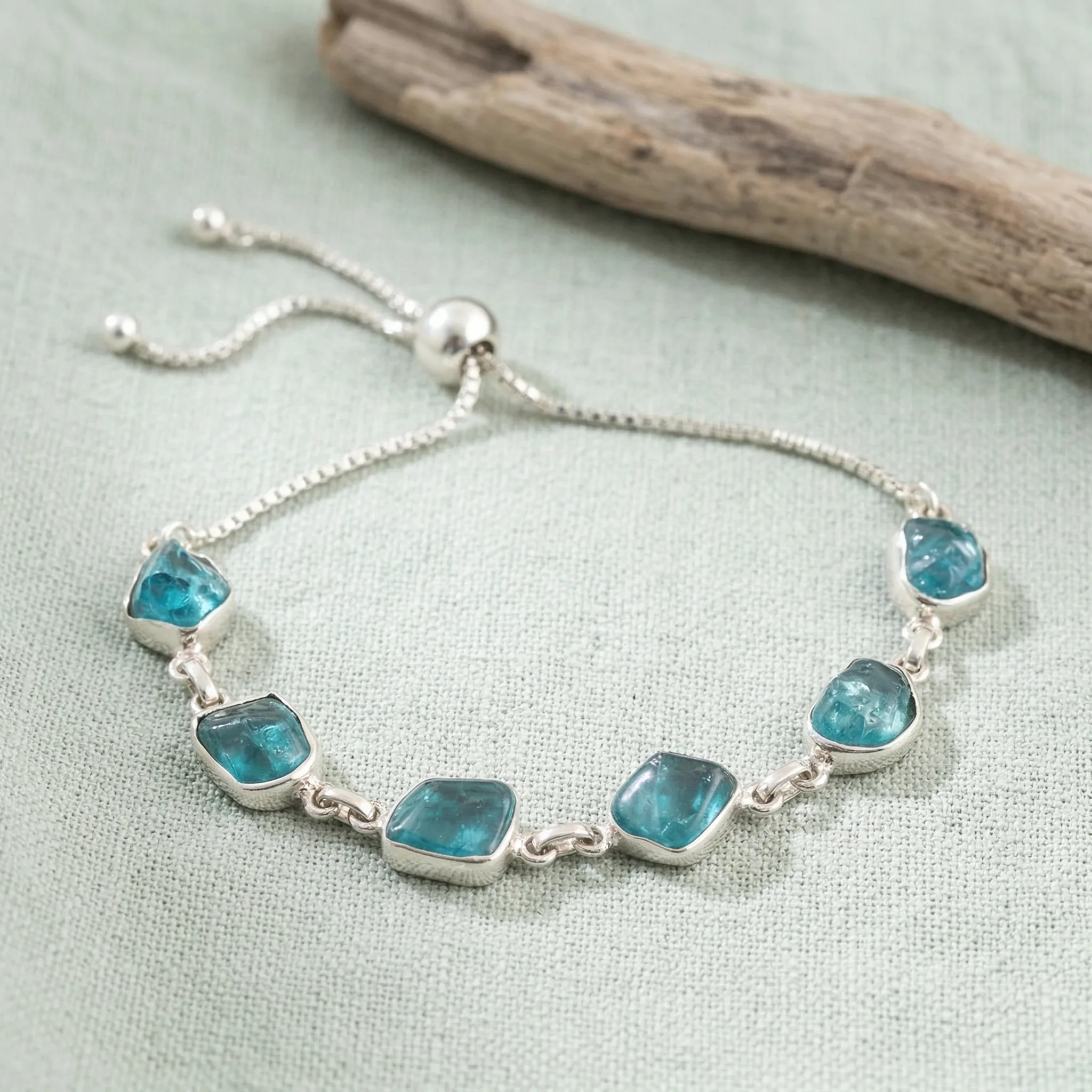
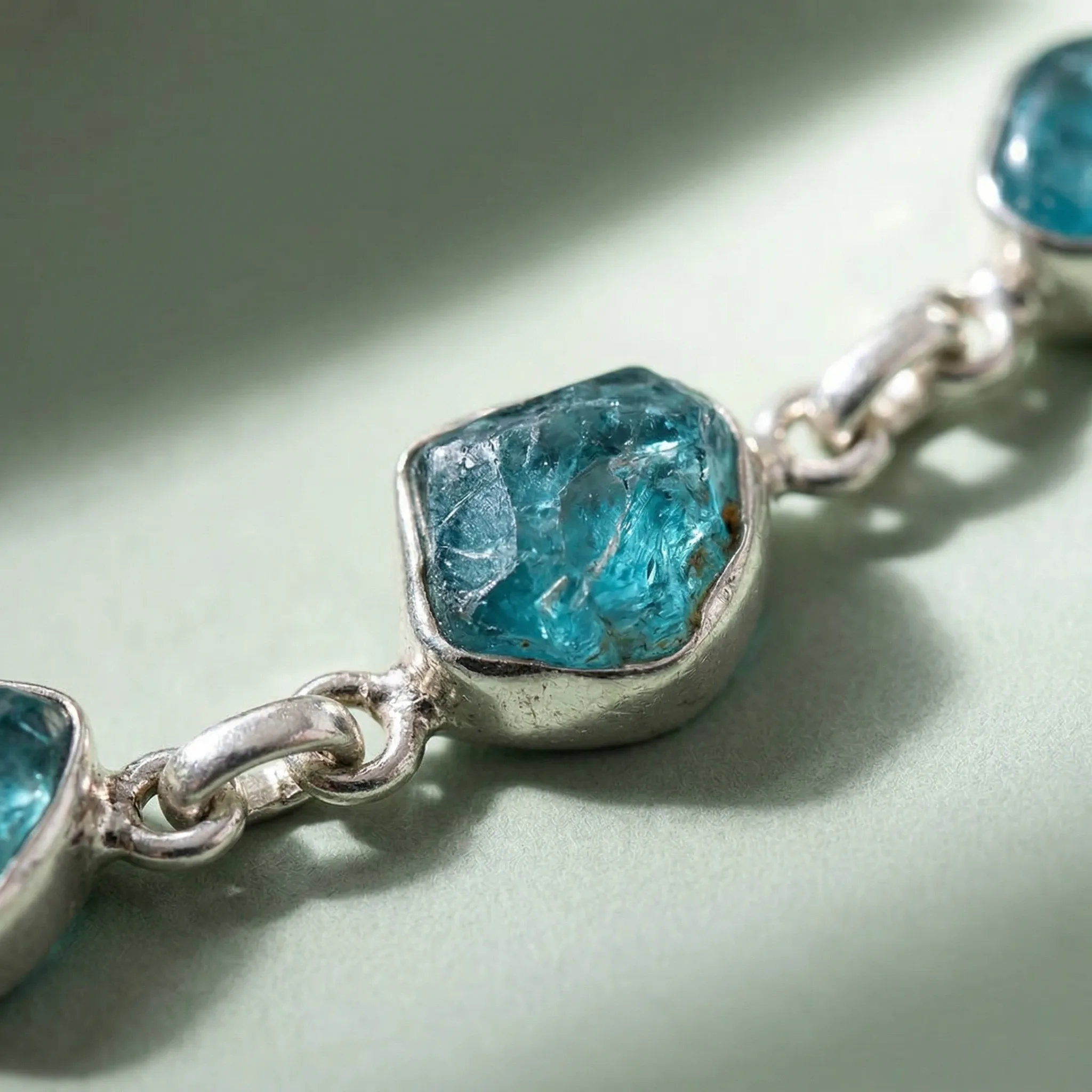
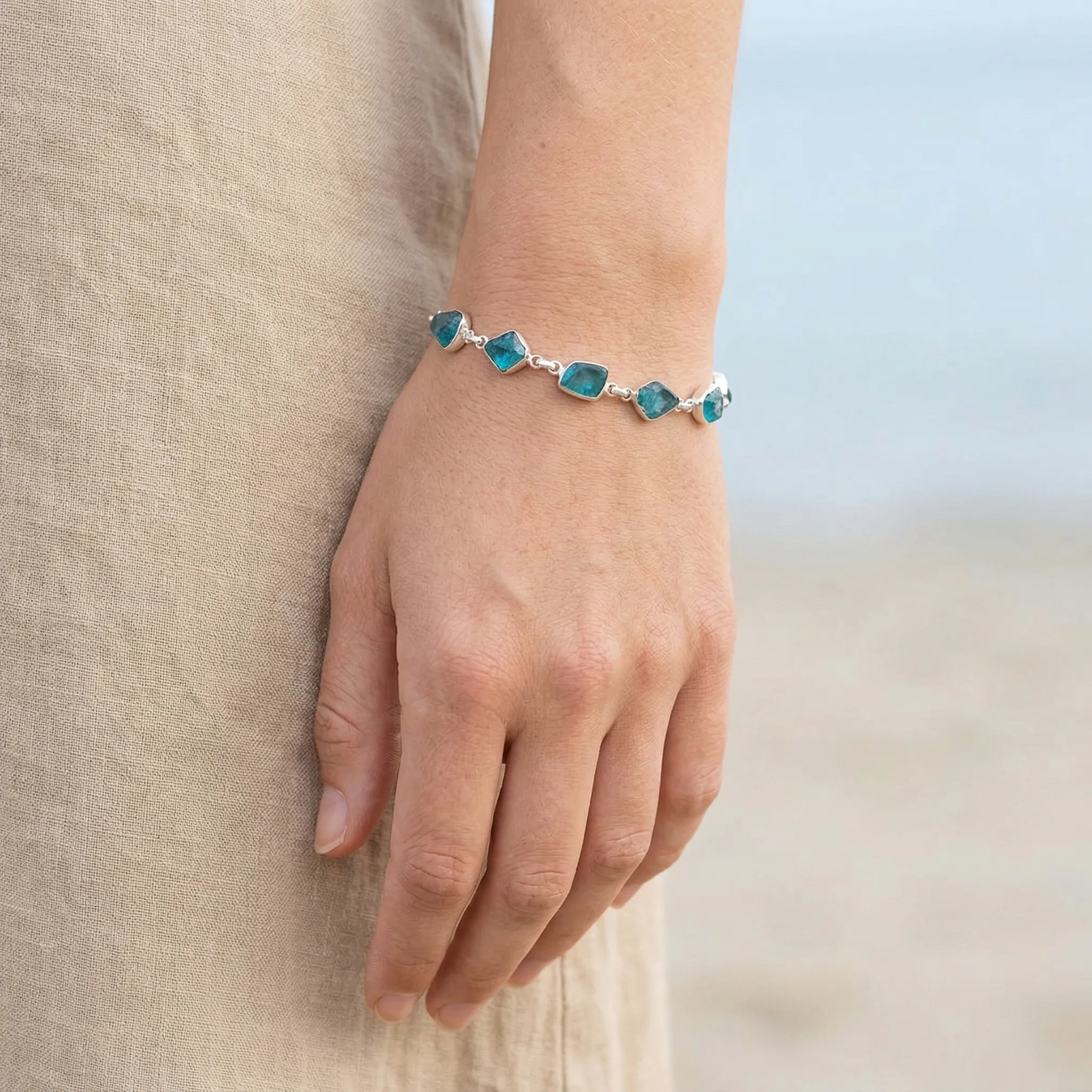
Handmade Etsy sellers
Use case
Complete listing sets
Turn existing product photos into a clearer, more complete Etsy gallery.
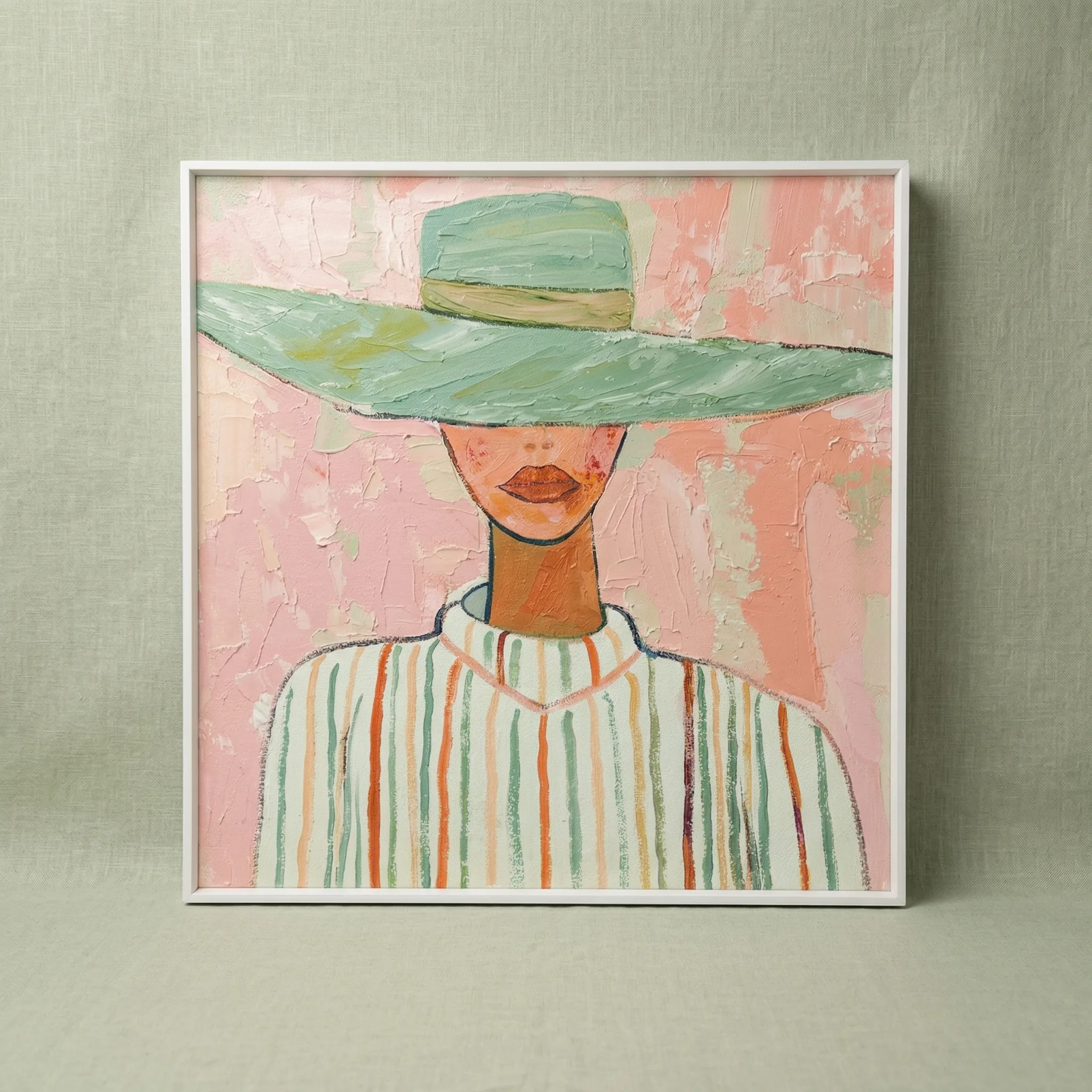

Small-batch brands
Use case
Consistent shop style
Keep product listings visually aligned across Etsy and your own store.
Wearable-product sellers
Use case
Model and detail images
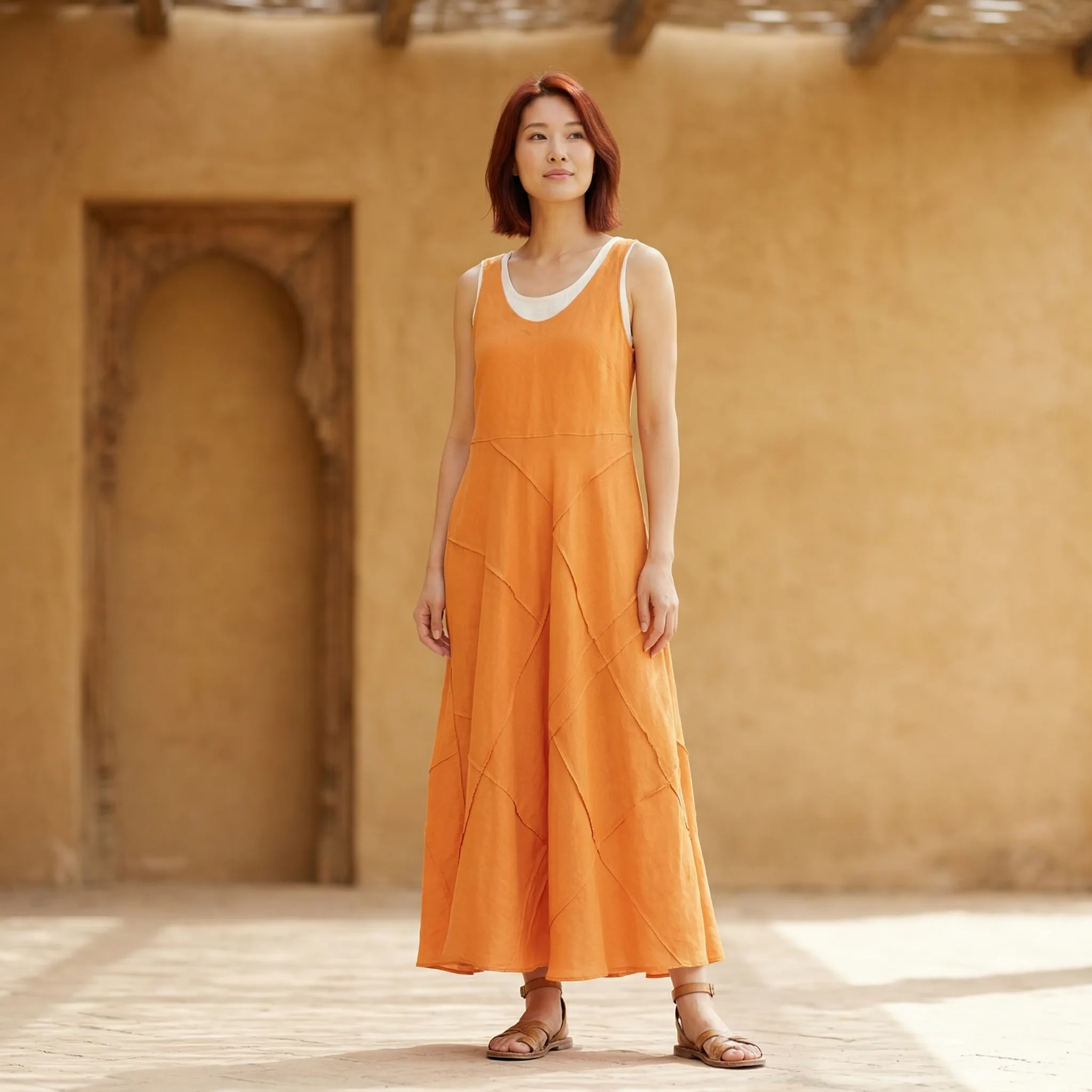
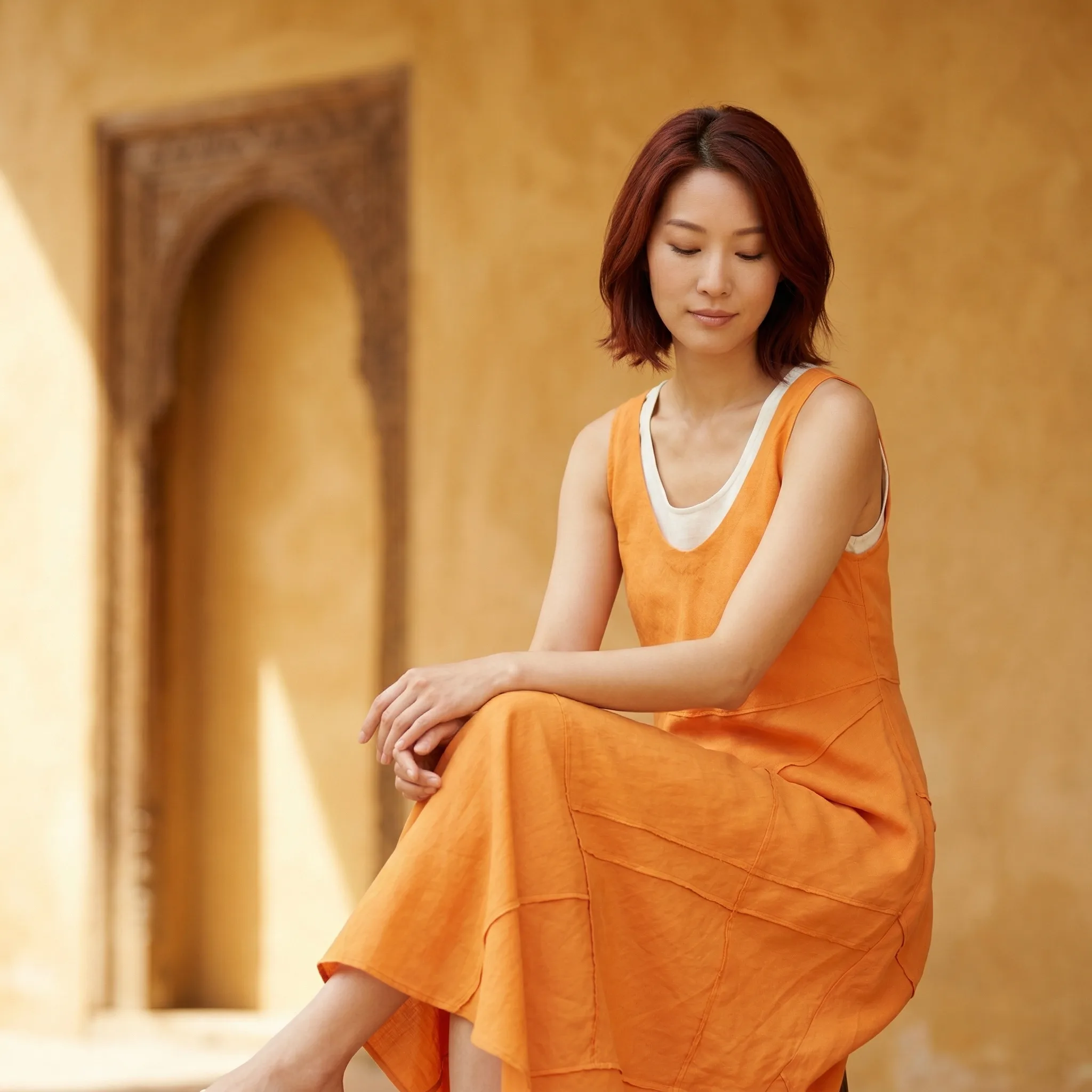
Create model, flat lay, close-up, and lifestyle photos for apparel and accessories.


POD Etsy shops
Use case
Catalog scale
Generate consistent listing images across large print and stationery catalogs.
Etsy consultants
Use case
Listing refresh
Improve main images, detail shots, scale references, and lifestyle scenes.


Multi-language Etsy shops
Use case
Localized listings
Generate the text on your images in any of 16 languages.
Related Etsy resources
Continue your Etsy image workflow
Browse Etsy examples, create supporting product photography, or put apparel and accessories on AI fashion models.
FAQ
Etsy Product Image Generator FAQ
Answers about Etsy listing photos from a phone photo, Etsy's AI photo rules, cost, editing, and review.
Try the generatorAn Etsy product image generator is an AI tool that turns a photo of your item into the other photos an Etsy listing needs. GreenOnion's Etsy product image generator starts from one phone photo and plans nine listing images around that exact item: a studio hero, a close-up detail, styled scenes, hands or in-use, lifestyle shots with people, a feature callout with text, and a closing image. You choose which to generate and review each one before you publish.
Take one clear photo of the real item in daylight, with the whole item in frame and nothing covering it. Keep that photo unedited as your real-item photo on Etsy. Then upload it to GreenOnion, add up to four more photos for other angles or details, and let it build the detail, scale, in-use, and lifestyle images from it.
Yes, as long as one photo stays real. Under Etsy's Listing Image Requirements (updated October 22, 2026), most listings need at least one unedited photo of the actual item on a real background. The rest can be AI images if the item's color, texture, condition, and scale stay true. GreenOnion never edits your original photo, so you can upload it as that real photo.
Only if the item itself is made with AI: that is what Etsy's Creativity Standards ask you to disclose. If you made the item by hand and used AI for the photos, follow the Listing Image Requirements instead: include one unedited photo and make sure every image shows the item accurately.
Upload a photo of the item and GreenOnion plans styled-scene and lifestyle images for it, along with detail and in-use shots. You can describe the setting you want for each image, such as a sunlit kitchen shelf for a candle, or leave it blank and let GreenOnion write it.
Etsy allows up to 20 photos per listing. GreenOnion plans nine: a studio hero, a close-up detail, a studio styled shot, two styled or hands-in-use scenes, two lifestyle shots with people, a feature callout with text, and a closing image. Add your unedited real-item photo, and change or skip any image that doesn't fit the product.
Writing the image prompts uses 1 credit and each image uses 1 credit, so a full set of nine costs 10 credits in one pass. Rewriting the prompts costs another credit. New accounts get 20 free credits, enough for two 9-image sets. Free results are watermarked previews; downloading needs a paid plan. Paid plans start at $19 per month for 60 credits.
GreenOnion's free plan gives new accounts 20 credits, enough to try two full 9-image Etsy sets at 10 credits each. Free results are watermarked previews; downloading needs a paid plan, from $19 per month for 60 credits.
It depends on the job. GreenOnion is built for planning and generating a full Etsy listing set, including lifestyle and on-model photos, from one photo. Photoroom and Canva are quick for new backgrounds inside an editor, and Placeit fits print-on-demand mockups. A photographer still fits a premium hero shoot. Compare prices and features in our guide to the best AI product photography tools for Etsy.
We ran our own test on one product, a handmade Japanese knot bag, through GreenOnion, Photoroom, Canva, and Google Flow, and published it on YouTube. The GreenOnion run used 10 credits for nine images. It is a single product tested by GreenOnion, so treat it as one example, not a benchmark.
Yes. Jewelry can use close-ups, hand shots, scale references, packaging, and gifting scenes. Zoom in on stones, chains, and clasps in every image before you publish.
Yes. When GreenOnion detects clothing, it asks you to pick or upload a model, then plans model, half-body, flat lay, garment detail, indoor, and outdoor images.
Yes. Change an image's type or text, or write your own description, then make a new version of just that image for 1 credit. The other images stay as they are.
Yes. The text on your images can be generated in 16 languages: English, Chinese (Simplified and Traditional), Japanese, Korean, Spanish, French, German, Dutch, Italian, Portuguese, Russian, Arabic, Thai, Vietnamese, and Turkish.
Yes. Check color, texture, materials, proportions, text, and any claims against the real item before uploading. Etsy can remove listings whose images misrepresent the item.
Create your Etsy listing image set
Upload one phone photo, review the plan, and generate the Etsy images your listing needs.
Last updated November 2, 2026.