
Amazon A+ Content Generator
Create six Amazon A+ Content images from one product photo
Automate Amazon A+ Content creation with A+ hero images, banners, brand-story visuals, and copy generated from one product photo — with no prompts.
Example
One product photo, a complete six-image A+ Content set
See one stroller photo become six coordinated Amazon A+ Content images with a connected visual story.

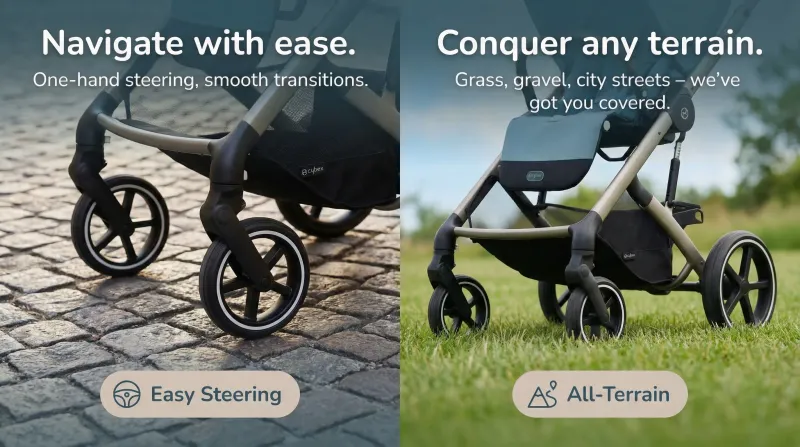
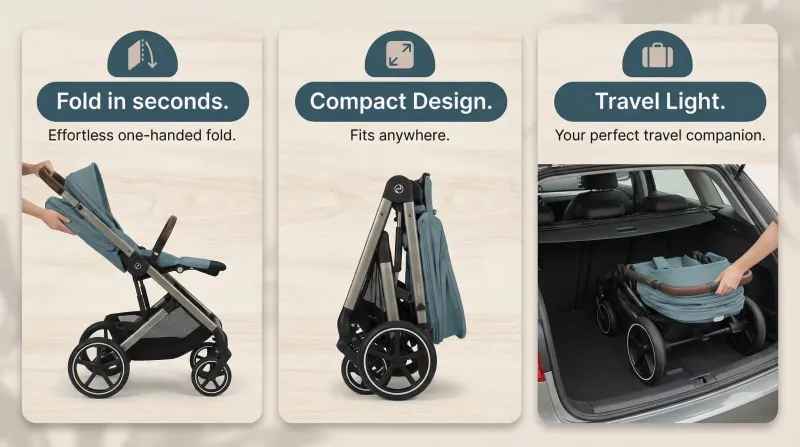
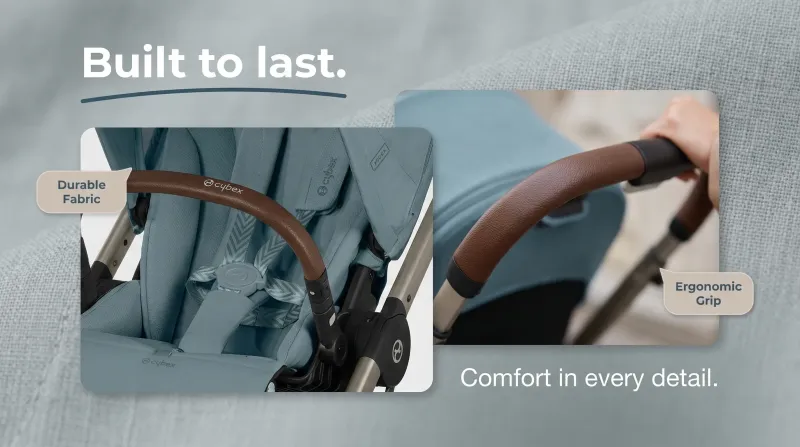

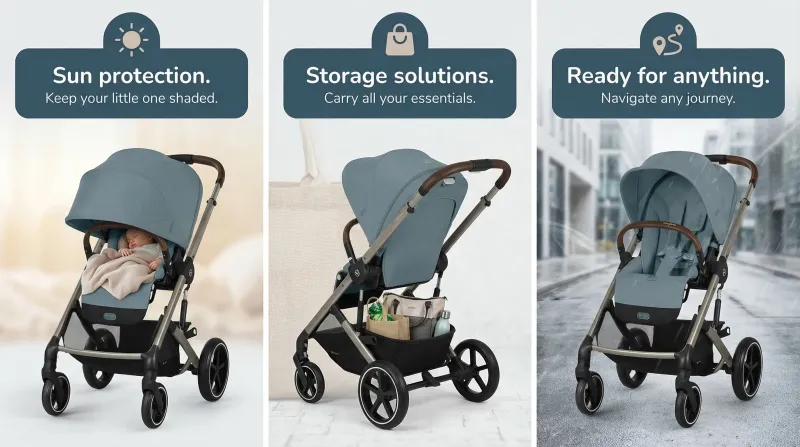
Amazon A+ Content creative roles
Build the Amazon A+ page around the buyer journey
Generate six connected A+ images that introduce the product, explain benefits, show real use, answer objections, add proof, and close with the brand.
A+ image 1 of 6
Hook
"Is this for me?"
Open the A+ page with a strong hero image that introduces the product and brand.
A+ image 2 of 6
Core Selling Points
"Why should I care?"
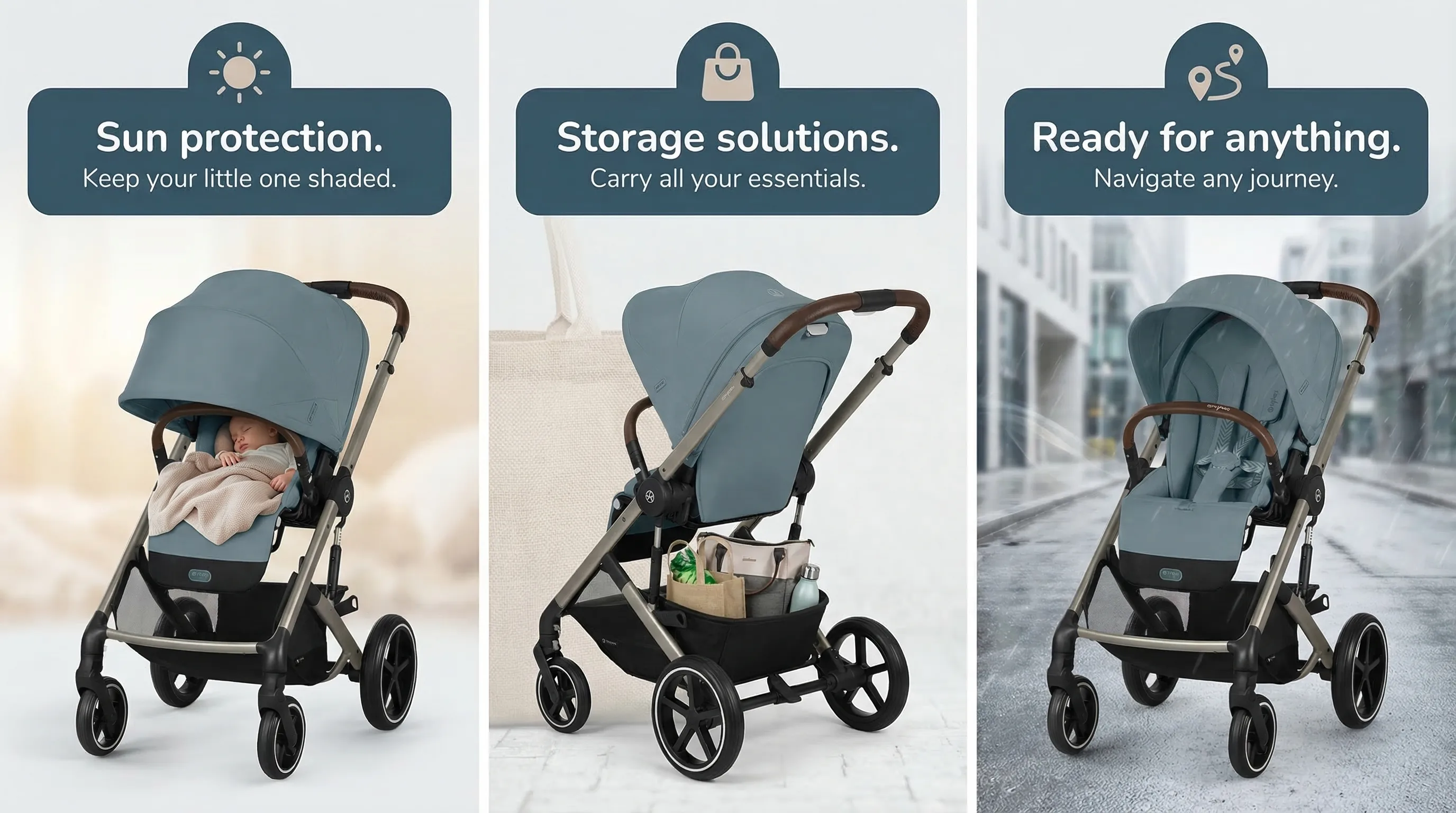
Turn the strongest benefits into clear A+ banners with product-led proof.
A+ image 3 of 6
Scene Proof
"Can I picture using it?"
Show the product in a believable setting that supports the main use case.
A+ image 4 of 6
Doubt Removal
"What could stop me buying?"
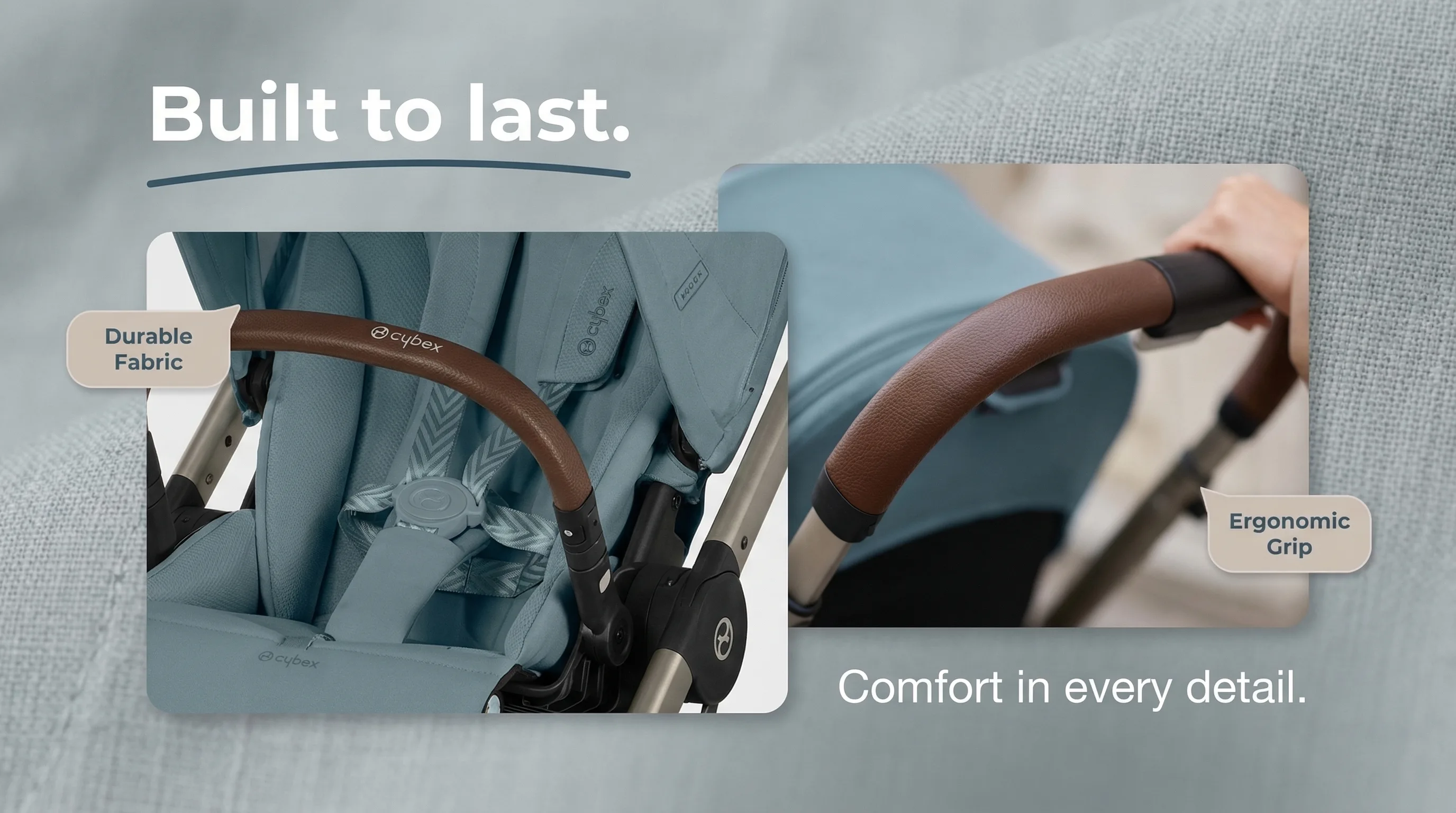
Use close-ups, ingredients, dimensions, setup, or material evidence to answer objections.
A+ image 5 of 6
Result Proof
"Why choose this one?"
Add comparison, trust, performance, or outcome-focused visuals.
A+ image 6 of 6
Close
"Am I ready to buy?"
Finish the Amazon A+ page with a final brand or product message.
Amazon A+ Content design features
Create a connected Amazon A+ Content design
Plan the full A+ image set, generate the visuals and copy, keep one brand direction, and localize approved content across 16 languages.
Plan the full Amazon A+ page
Generate a coordinated set of six Amazon A+ Content images around the buyer journey.
Generate A+ images and banners
Create A+ hero images, horizontal banners, and module visuals rather than reusing square listing images.
Automate the A+ Content workflow
Plan the page, generate A+ images and copy, then refine individual images in one workflow.
Write A+ Content copy
Generate headlines, labels, and supporting copy without prompt writing.
Keep one brand style
Carry product details, packaging, colors, and visual direction across the full A+ design.
Edit one image at a time
Change the copy, image role, or visual style without rebuilding the entire set.
Translate A+ Content
Localize on-image copy across 16 marketplace languages.
How to create Amazon A+ Content
How Amazon A+ Content automation works
Upload the product, review the brand analysis and module plan, then automate the A+ images, copy, and page design without writing prompts.
Upload product and brand assets
Start with one product photo or add packaging, logos, and reference images.
Review the brand analysis
Confirm the product category, brand direction, features, and buyer objections.
Review the A+ Content plan
See what each image should communicate and which layout fits the story.
Edit the copy and layouts
Refine headlines, labels, badges, and module structure before generation.
Generate six Amazon A+ images
Create a coordinated six-image A+ Content set and regenerate individual images when needed.
Refine and localize
Redo individual images and translate the approved A+ Content set for other marketplaces.
Amazon A+ Content by product category
Amazon A+ Content for different product categories
Adapt the Amazon A+ page for beauty, supplements, fashion, baby products, electronics, home, furniture, and other categories.
Amazon A+ Content for beauty and skincare
Show ingredients, texture, routine placement, packaging, and product benefits.
Ingredients, texture, routine, packaging, benefits
Amazon A+ Content for supplements
Explain dosage, ingredients, sourcing, capsule size, and trust signals.
Dosage, ingredients, sourcing, size, trust
Amazon A+ Content for fashion
Show fit, fabric, movement, construction, and color across the A+ page.
Fit, fabric, movement, detail, color
Amazon A+ Content for baby products
Highlight materials, cleaning, scale, use, and relevant safety information.
Materials, cleaning, scale, use, safety
Amazon A+ Content for electronics
Show setup, compatibility, box contents, features, and comparison points.
Setup, compatibility, contents, specs, comparison
Amazon A+ Content for home and furniture
Explain scale, assembly, materials, room context, and capacity.
Scale, assembly, material, room context, capacity
Compare your options
Amazon A+ Content automation tools and workflows
Compare manual design, individual A+ image tools, and full Amazon A+ Content automation based on speed and control.
| Option | Best for | Tradeoff |
|---|---|---|
| GreenOnion | Coordinated Amazon A+ image sets | AI output still needs final review |
| Amazon A+ Content Manager | Building modules inside Seller Central | More manual page planning and design work |
| Canva templates | Manual layouts and branded graphics | Copy, resizing, and module planning stay manual |
| Background generators | Individual lifestyle images | No complete A+ page structure or copywriting |
| Freelance designers | High-touch custom design | Higher cost and slower turnaround |
Best Amazon A+ Content (EBC) tool for sellers and agencies
Built for brands, agencies, and Amazon sellers
Launch products, redesign weak A+ pages, produce client work, and localize approved Amazon content across marketplaces.


New Amazon product launches
Use case
Create the first A+ page
Turn existing product and brand assets into a coordinated six-image Amazon A+ Content set.





Amazon agencies
Use case
Client A+ production
Generate and refine Amazon A+ image sets across multiple brand clients.


Freelance designers
Use case
Faster A+ Content drafts
Start with six planned images and generated copy, then refine the design.


DTC brands expanding to Amazon
Use case
Bring the brand story to Amazon
Adapt existing product photography and brand direction into Amazon A+ Content.

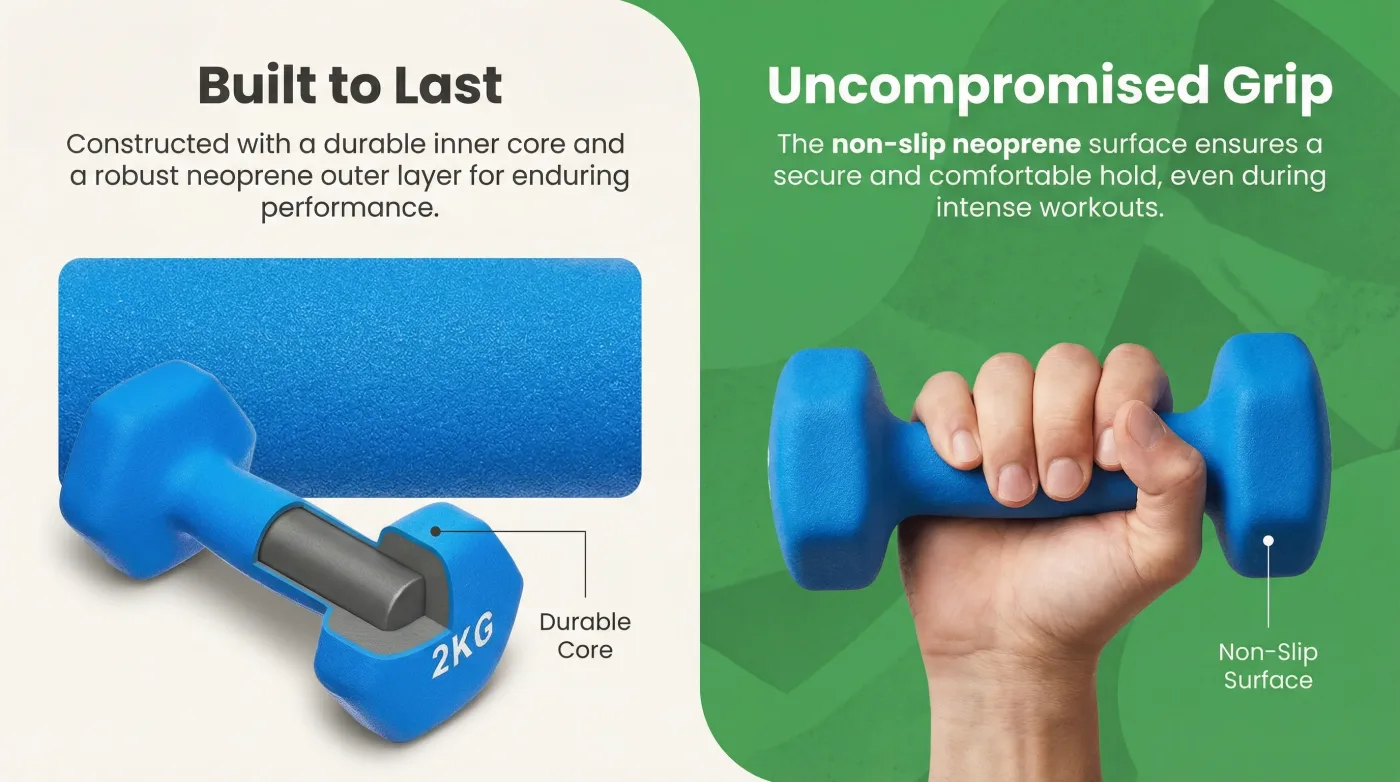
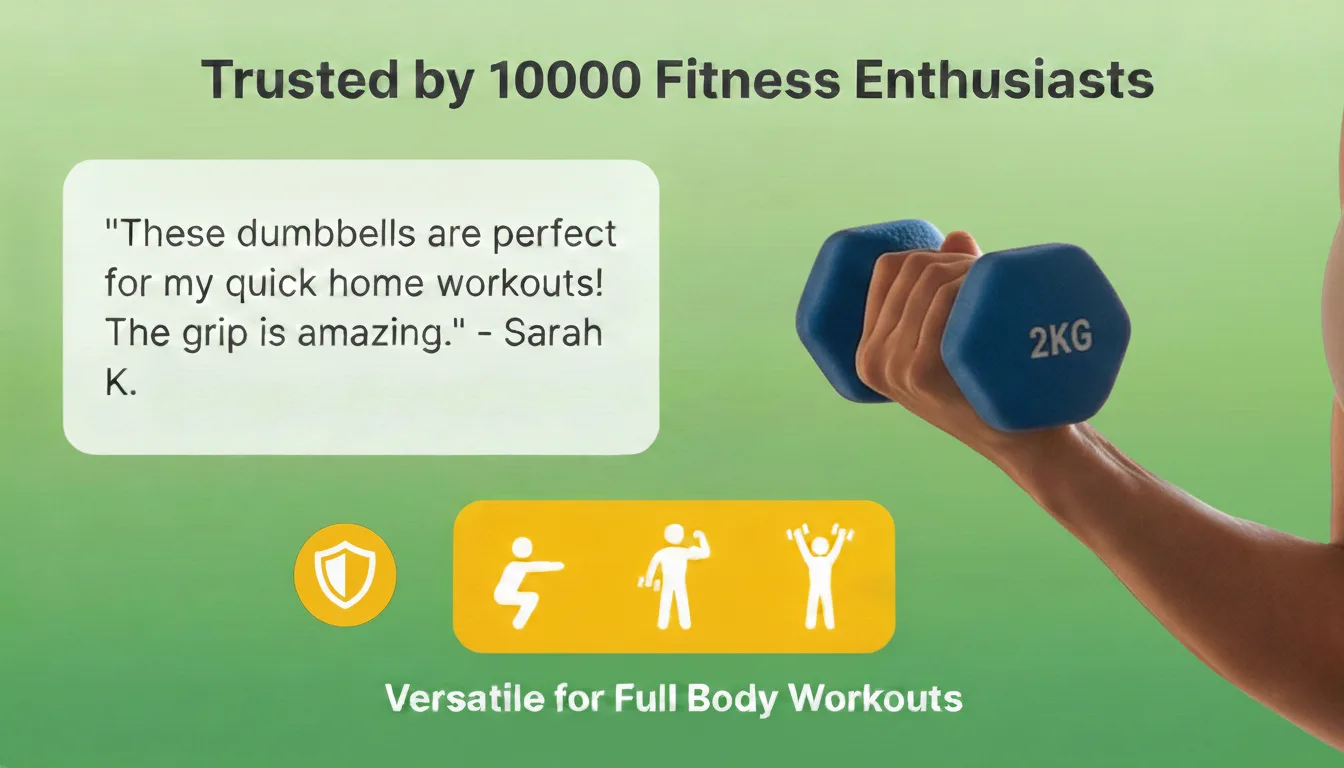
Underperforming A+ pages
Use case
A+ Content redesign
Replace weak or disconnected A+ images with a clearer branded story.

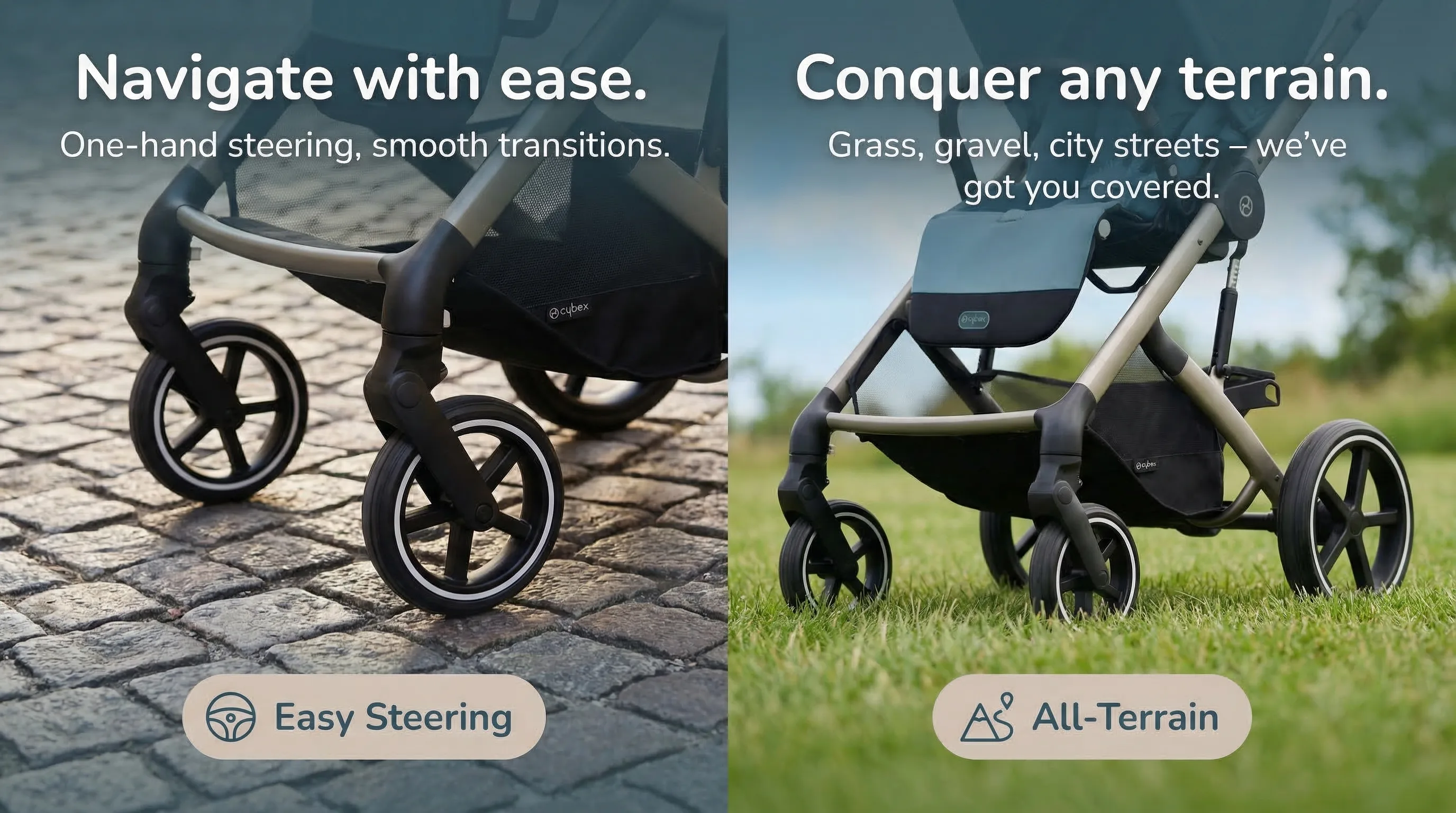
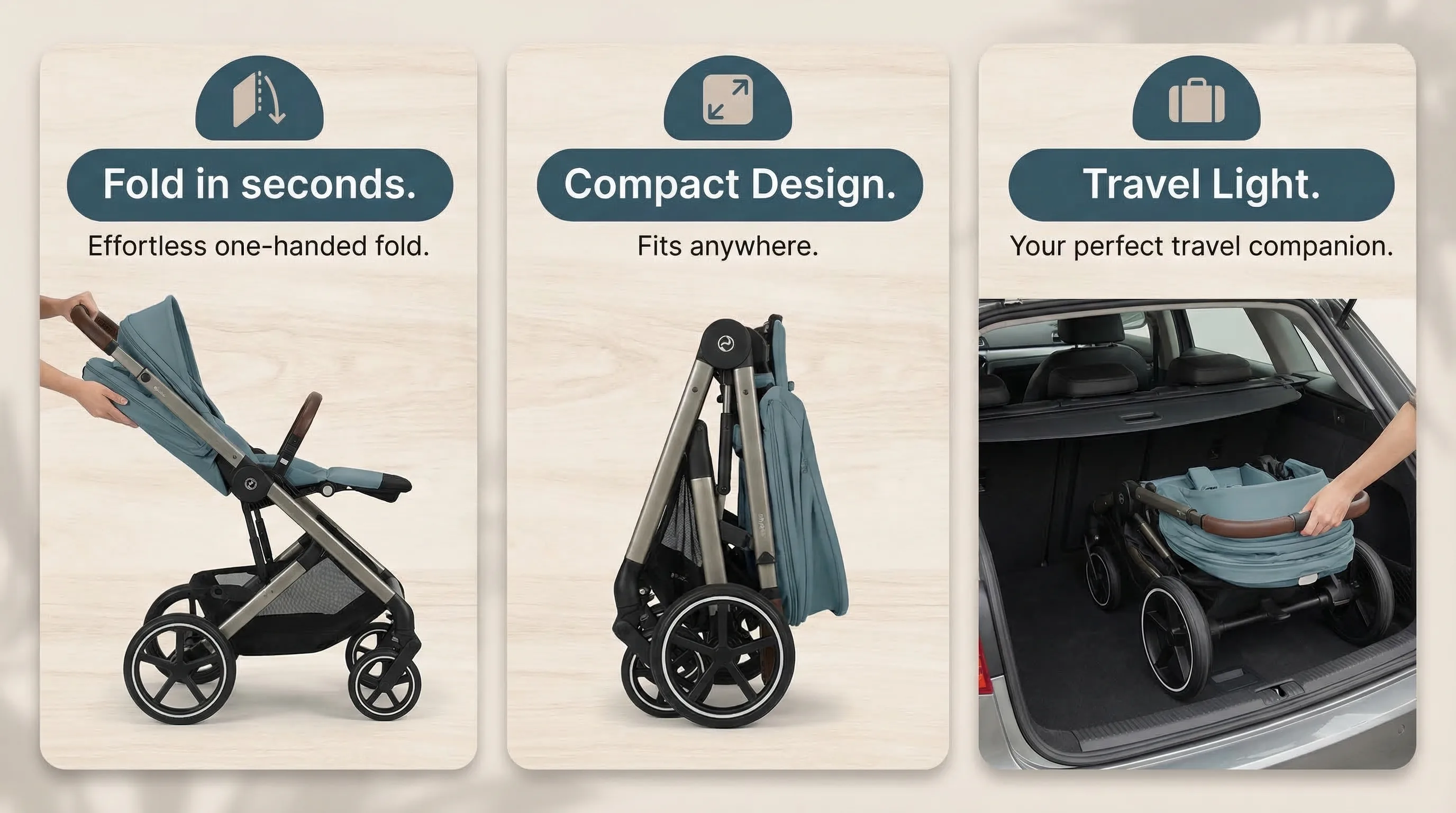

Multi-marketplace brands
Use case
16-language localization
Reuse one approved A+ image set with translated on-image copy.
Related Amazon resources
Continue your Amazon content workflow
Browse A+ Content examples, create listing images, or add supporting product photography for the same Amazon catalog.
Amazon A+ Content FAQ
Amazon A+ Content — FAQ
Answers about Amazon A+ Content, Enhanced Brand Content, A+ design, page structure, eligibility, editing, localization, and review.
Generate Amazon A+ ContentCreate your Amazon A+ Content page
Upload your product and brand assets, then generate a coordinated set of six Amazon A+ Content images.